
? Are you thinking about using the 16-Channel Nocturnal NVR System with 4K (8MP) Smart IP Security Cameras with Real-Time 30FPS Recording and Listen-in Audio- NC4K3F-164WB-1 to secure your home or business?
Buy The 16-Channel Nocturnal NVR 4K NC4K3F-164WB-1 On Amazon
Quick overview of the system
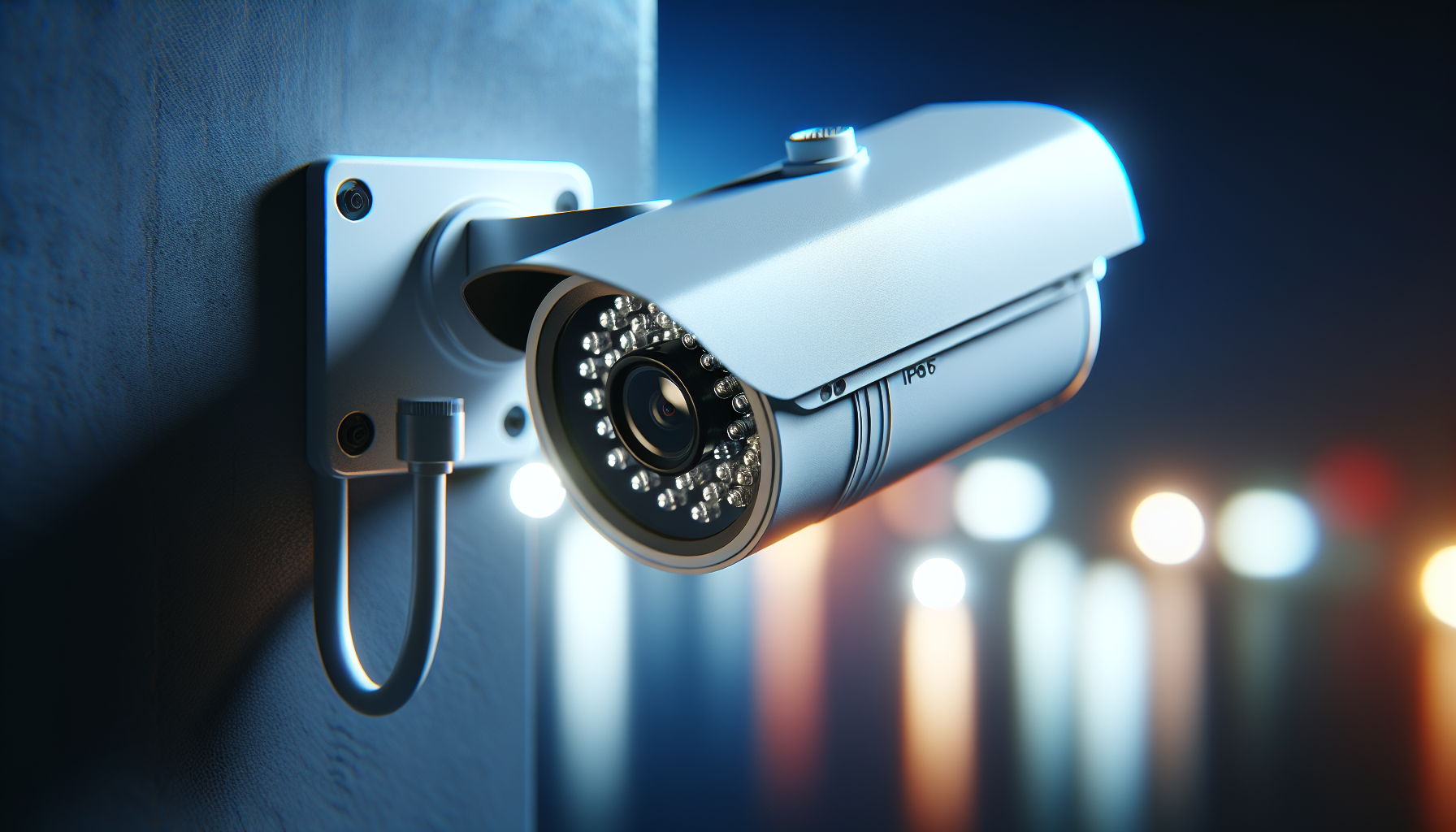
You’re looking at a 16-channel NVR packaged with twelve metal bullet cameras that record at real-time 30 FPS in 4K (8MP). The system emphasizes night vision performance, HDR image balancing, HEVC compression to save storage, and listen-in audio for basic situational awareness.
Who this system is best for
This system is well suited if you want wired PoE reliability, high-resolution footage, and advanced motion zoning without monthly cloud fees. If you prefer local control, long-term recording, and robust night performance, this setup fits those needs well.
16-Channel Nocturnal NVR System with 4K (8MP) Smart IP Security Cameras with Real-Time 30FPS Recording and Listen-in Audio- NC4K3F-164WB-1
$1639.99 In Stock
What’s included and initial expectations
You’ll receive a 16-channel NVR preloaded with a 4TB security-grade hard drive and twelve white metal bullet cameras rated for IP67 weather resistance. Since the NVR supports up to 16 channels, you can expand later by adding up to four additional compatible IP cameras if your property needs more coverage.
Physical contents and accessories
You should find the NVR unit, preinstalled 4TB HDD, twelve PoE bullet cameras, Ethernet/PoE ports on the NVR, power supply for the NVR, mounting brackets for each camera, screws and anchors, and setup documentation. Everything you need for a typical PoE install is there, but you may want extra tools or longer cabling depending on your layout.
Key specifications at a glance
Below is a compact breakdown of the most important technical specifications that you’ll refer to while planning installation and storage.
| Feature | Specification |
|---|---|
| NVR Channels | 16 channels (supports up to 16 cameras) |
| Included Cameras | 12 metal bullet cameras (white) |
| Resolution | 4K (8MP) per camera |
| Frame Rate | Real-time 30 FPS per camera |
| Audio | Listen-in audio (one-way audio) |
| Night Vision | Nocturnal longest night vision ranges; full-color with external lighting |
| Image Enhancement | HDR technology for exposure balance |
| Compression | HEVC (H.265) for reduced file sizes |
| Preinstalled Storage | 4TB security-grade HDD (expandable to 2 × 10TB) |
| Power & Connectivity | Single Cat5e (PoE) for video, power, and network |
| Weather Rating | IP67 (waterproof/dustproof) |
| Material | Heavy-duty aluminum camera housings |
| Remote Access | Lorex Cloud app for mobile viewing, alerts, and playback |
| Motion Detection | Configurable regional motion zones (sensitivity & threshold) |
Why these specs matter to you
These specifications translate into reliable, continuous recording, good low-light behavior, and a system that you can scale and manage remotely. You’ll benefit from the 4K clarity when identifying faces or reading license plates at moderate distances, and HEVC helps you retain that quality without overwhelming storage.
Video and image quality
You should expect crisp stills and smooth video thanks to 8MP resolution and 30 FPS real-time recording. HDR helps keep bright lights from washing out faces and dark shadows from hiding details, making footage more usable for identification.
Frame rate and real-time recording
Recording at 30 FPS keeps motion smooth and makes moving subjects easier to analyze in playback. If you’re monitoring entrances, driveways, or any area with people and vehicles, the smoothness helps you catch fine motion details and reduces motion blur.
HDR and image balance
The HDR implementation automatically adjusts exposure across the scene so that very bright areas and very dark areas both retain visible detail. You’ll find this useful in high-contrast scenes such as a doorway with sunlight behind a visitor or a parking area lit unevenly by street lamps.
Night vision and low-light performance
Nocturnal cameras are designed with extended night vision capability, and they can take advantage of external lighting to produce full-color footage at night. That means you don’t have to rely solely on infrared black-and-white imagery if you’ve installed supplementary lighting in strategic areas.
How full-color night vision works for you
When external lighting is present (motion-activated floodlights, porch lights, etc.), the cameras can record in color even after dark, giving you better context and detail. Color at night will help you distinguish clothing colors, vehicle hues, and other critical details that black-and-white IR often obscures.
Infrared night vision and ranges
Even when color lighting isn’t available, the Nocturnal cameras have some of the longest night vision ranges available for their class. Infrared illumination covers larger distances, and the combination of strong IR LEDs and sensitive sensors delivers usable monochrome images at substantial range for detecting motion and confirming activity.
Audio: listen-in capability and uses
You’ll get listen-in audio, which allows you to hear what’s happening in the camera’s vicinity but not necessarily speak back through the camera. This is great for gaining auditory context—like hearing voices, alarms, or vehicle sounds—while reviewing or live-streaming footage.
Practical uses and limitations
Listening in can help you clarify events that the video alone doesn’t explain, such as the number of people speaking or whether an alarm sounded. Keep in mind that listen-in is typically one-way audio; you shouldn’t expect two-way conversation unless you pair with cameras or devices that explicitly support two-way audio.
Legal and privacy considerations
Before you rely on audio recordings, ensure that you comply with local laws about audio surveillance and consent. You should inform household members or employees about the presence of audio-capable cameras if required by law, and check local regulations regarding recording in public or private spaces.
Build quality and environmental resistance
The cameras have heavy-duty aluminum exteriors that increase durability against vandalism and harsh weather, and an IP67 rating means they’re rated for dust-tight sealing and immersion protection. You’ll get a longer service life and more consistent operation in exposed positions.
Mounting and vandal resistance
The metal housing resists dents and tampering better than plastic shells, which helps if you mount cameras in accessible places. Secure mounting and thoughtful placement can reduce the risk of accidental knocks or deliberate vandalism.
Weatherproofing and temperature tolerance
With IP67 protection, you can mount cameras outdoors in rain, snow, or dusty conditions without worrying about short-term moisture ingress. If you live in climates with extreme temperatures, confirm the camera operating range and consider added protection or thermal solutions for very cold or hot locations.
Power and wiring: PoE via Cat5e
These IP cameras use PoE delivered over Cat5e cable so that a single cable provides video transmission, power, and network connectivity. That simplifies installation and centralizes cabling back to the NVR location.
Benefits of PoE and Cat5e for you
PoE removes the need for separate power adapters at each camera and reduces clutter and failure points. You’ll also benefit from centralized power management and the convenience of running one cable per camera, which is faster and tidier than running coaxial plus power pairs.
Practical wiring tips
Keep cable runs within PoE limits (commonly around 100 meters for Cat5e) or use PoE extenders/switches for longer distances. Use shielded cable if you run close to high-voltage lines, and leave some slack at camera mounts for easier servicing. Label both ends of each cable to simplify troubleshooting later.
Storage and recording strategy
The NVR comes with a 4TB security-grade hard drive that’s optimized for continuous recording and can be expanded to two drives up to 10TB each. Security-grade HDDs are designed to sustain heavy write cycles, which makes them dependable for 24/7 surveillance recording.
How long will your footage be kept?
Retention depends on how many cameras are active, the video quality/bitrate, and motion vs continuous recording settings. HEVC compression reduces file sizes significantly compared to older codecs, which extends your retention time. If you configure the system to record at 4K 30 FPS continuously across many cameras, expect faster use of storage than if you record at lower resolutions or use motion-only recording.
Storage examples and planning
If you’re unsure how much space you’ll need, plan by estimating average bitrate per camera at your chosen settings, then calculate daily data usage and multiply by the days of desired retention. Because the system allows HDD expansion, you can upgrade to more storage if you find you need longer retention or higher recording fidelity.
Motion detection and smart features
The NVR offers regional motion zones you can program to fine-tune detection for specific parts of the camera’s view. You can adjust sensitivity and threshold per zone so you get fewer false alarms from trees or busy roads while preserving reliable detection of doors, windows, or driveways.
How to optimize motion zones
You should set high sensitivity for entrances and low sensitivity for areas with regular background motion (like streets or trees). Use thresholds to require meaningful motion before creating an event, which reduces unnecessary alerts and saved clips.
Alerts and event handling
When motion is detected in configured zones, the system can send push notifications through the Lorex Cloud app and save event clips for later review. Pair smart motion settings with push notifications so you get meaningful, actionable alerts rather than constant pings.
Lorex Cloud app and remote access
You’ll use the Lorex Cloud app to remotely view live feeds, watch recorded footage, and receive push notifications for motion events. Remote access gives you system oversight from anywhere, and playback is available so you can confirm events without being physically present.
Security and convenience of remote viewing
Connecting your NVR to the Lorex Cloud enables secure remote access without complicated port forwarding if you follow the setup instructions. Two-factor authentication, strong passwords, and keeping the app/firmware updated will help protect your system from unauthorized access.
Features on the app
On the mobile app you’ll typically be able to switch camera views, start live playback, download clips, and configure alert preferences. Push notifications will notify you about motion events, and remote playback lets you quickly verify what triggered an alert.
Installation and setup tips
Your installation is easier when you plan camera locations, cable routes, and network configuration ahead of time. Label cables, use weatherproof cable connectors for outdoor runs, and stagger camera heights for varied fields of view to minimize blind spots.
Mounting and camera placement
Mount cameras to cover points of interest such as doorways, driveways, and high-value areas while keeping angles that reduce direct sun glare. Aim cameras slightly downward for best face capture and reducing false positives from moving foliage.
Network and NVR configuration
Ensure the NVR has a stable network connection and is placed in a ventilated area to avoid overheating. Set a static IP for the NVR or configure DHCP reservations in your router so port-forwarding or remote access behaves consistently if you choose manual network setup.
Performance in real-world scenarios
You’ll notice the 4K clarity and smooth 30 FPS are particularly effective for capturing license plates at moderate distance and identifying faces in well-lit conditions. At night, with added lighting, color recording is a major advantage for recognition and context.
Daytime clarity and identification
High resolution and HDR combine to make facial features and license plate characters easier to read in many situations. The smooth frame rate helps reduce motion blur during quick events like someone walking past or vehicles moving through a scene.
Nighttime results and limitations
When external lighting is available, the cameras will often provide full-color footage at night, which is much more informative than IR-only monochrome. In total darkness without lighting, you’ll rely on IR, and while range is strong, color detail won’t be available.
Pros and cons
You should weigh these benefits and trade-offs before buying so your expectations align with what the product delivers.
Pros
- You’ll get true 4K real-time recording at 30 FPS for smooth, detailed footage.
- HEVC compression helps you keep more days of footage without huge storage upgrades.
- Heavy-duty aluminum housings and IP67 rating give you a durable system for outdoor use.
- PoE simplifies power and cabling with a single Cat5e run per camera.
- Regional motion zoning and Lorex Cloud push notifications reduce false alerts.
- Preinstalled 4TB security-grade HDD supports continuous recording right away.
Cons
- The system uses listen-in audio (one-way) so you can’t always respond through the camera unless you add a separate two-way audio device.
- If you require wireless installation, this wired PoE system requires cabling and some technical setup.
- Local storage is great for privacy and cost savings, but if you want offsite backups you’ll need to configure additional solutions.
- High-resolution continuous recording across many cameras will still consume storage quickly despite HEVC.
Comparison to other setups
Compared with consumer cloud-only cameras, you’ll get better long-term local control and no required monthly subscriptions for basic storage. Compared with battery-powered or wireless cameras, wired PoE provides greater reliability and higher sustained bandwidth for 4K streams.
When a cloud camera might be preferable
If you want ultra-simple DIY installation without running cables or you prefer included cloud storage and simplified sharing, cloud-centric wireless cameras might work better for you. However, those solutions often come with ongoing subscription costs and limited resolution.
When the Nocturnal NVR has the edge
If you prioritize image quality, storage control, durability, and no recurring fees for recording, then this Nocturnal NVR system is likely a better fit. You’ll also appreciate the robust night capability and the durability of metal housings.
Troubleshooting and maintenance
You can prevent many common problems by keeping the firmware updated, securing cables, and performing periodic inspections. If an offline camera shows up in the NVR, check PoE power, cable integrity, and network settings before swapping hardware.
Common issues and fixes
- Camera offline: confirm PoE power, check cable continuity, and ensure the NVR port is enabled.
- Poor image quality: clean camera lens, verify focus/angle, or adjust exposure settings and HDR levels.
- False motion alerts: refine motion zones, reduce sensitivity in busy areas, and set thresholds for event triggers.
Routine maintenance checklist
Inspect mounts, wipe lenses, verify firmware updates for the NVR and cameras every few months, and check the hard drive health from the NVR interface. Keep the NVR in a cool, ventilated area and test your backups periodically if you rely on them.
Privacy, legal, and ethical notes
You should be aware of privacy laws and best practices surrounding audio and video recording in your region. Inform household members, employees, or tenants if required and avoid placing cameras where people have a reasonable expectation of privacy, such as bathrooms.
Best practices for compliance
Post signs where appropriate, disable audio recording if local laws restrict it, and use secure passwords and network protections to prevent unauthorized access to your footage. For businesses, consider drafting clear camera policies for employees.
Final recommendation
If you want a wired, robust surveillance solution with 4K clarity, solid night performance, and local storage that avoids recurring cloud fees, the 16-Channel Nocturnal NVR System with 4K (8MP) Smart IP Security Cameras with Real-Time 30FPS Recording and Listen-in Audio- NC4K3F-164WB-1 is a compelling option. You’ll appreciate the PoE convenience, durable construction, and configurable motion zones, especially if you plan to scale with additional cameras later.
Last setup tips before you buy
Plan your camera placements, measure cable runs, and think about lighting to maximize the night color capability. If you’re not comfortable with running cables, consider hiring a professional installer to ensure optimal performance and secure mounting.
If you’d like, I can help you calculate estimated storage needs based on how many cameras you plan to use continuously, or walk you through an ideal camera placement plan for your property.
Purchase The 16-Channel Nocturnal NVR 4K
Disclosure: As an Amazon Associate, I earn from qualifying purchases.