
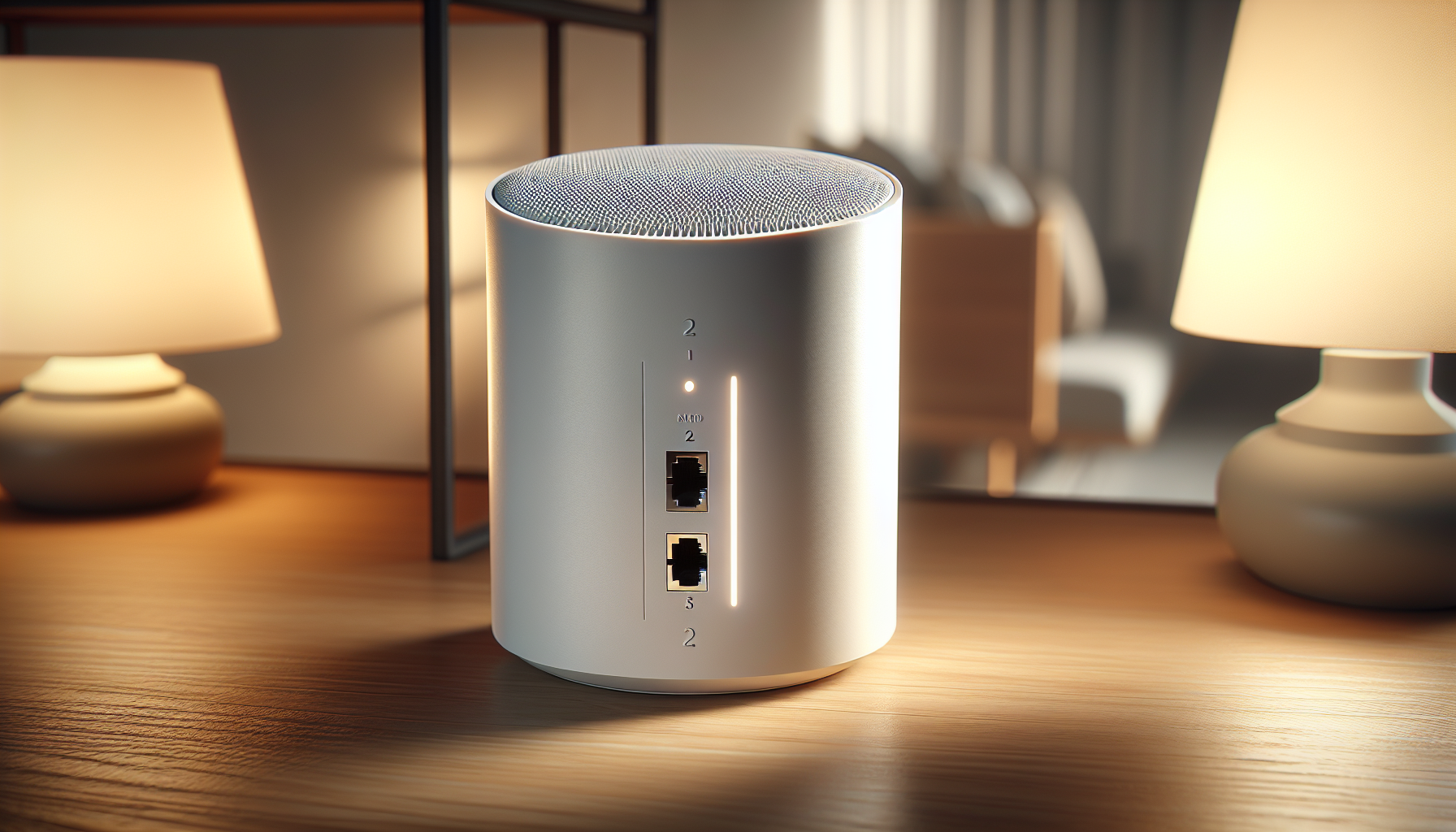
Looking for a mesh Wi‑Fi system that can actually keep up with everything you throw at it?
Buy The Eero Max 7 Mesh WiFi System 3-pack On Amazon
Quick verdict
You get a cutting‑edge mesh system with the Amazon eero Max 7 mesh wifi system (newest model) – Supports internet plans up to 10 Gbps, Coverage up to 7,500 sq. ft., Connect 750+ devices, 3-pack that targets power users, large homes, and smart homes. It combines Wi‑Fi 7 throughput, multi‑gig wired options, and eero’s polished software to make managing your network simple and effective.
Amazon eero Max 7 mesh wifi system (newest model) - Supports internet plans up to 10 Gbps, Coverage up to 7,500 sq. ft., Connect 750+ devices, 3-pack
$1249.99 In Stock
What you get in the box
You’ll receive a 3‑pack of eero Max 7 units designed to cover up to 7,500 sq. ft. and support more than 750 connected devices. The pack includes power adapters, basic documentation, and three identical nodes you can place throughout your home.
Hardware overview
Each eero Max 7 node includes two 10 Gigabit Ethernet ports for high‑speed wired connections and multi‑gig backhaul. The units are compact and unobtrusive, intended to sit on a table or shelf rather than mounting on a wall.
Key specifications at a glance
Below is a concise breakdown to help you quickly compare the most important numbers and features. You can use this table when planning placement, upgrades, or comparisons to other systems.
| Feature | Specification |
|---|---|
| Product name | Amazon eero Max 7 mesh wifi system (newest model) – 3-pack |
| Wi‑Fi standard | Wi‑Fi 7 |
| Maximum wireless throughput | Up to 4.3 Gbps (wireless, theoretical) |
| Wired speeds | Wired speeds up to 9.4 Gbps via 10 Gigabit Ethernet |
| Ethernet ports per unit | 2 × 10 Gigabit Ethernet |
| Backhaul | Multi‑gigabit backhaul supported |
| Coverage (3‑pack) | Up to 7,500 sq. ft. |
| Devices supported | 750+ devices |
| Smart home support | Thread, Matter, Zigbee (controller only) |
| Advanced security | Optional eero Plus subscription |
| App | eero app for iOS and Android |
| Warranty | 3‑year warranty |
| Support | support@eero.com, +1‑877‑659‑2347 |
Performance and real‑world speed
You can expect the eero Max 7 to deliver very high throughput in both wired and wireless scenarios when configured correctly. The real‑world numbers will vary depending on ISP speed, wired vs wireless backhaul, interference, and device capabilities.
Wired speeds and 10GbE ports
If you connect a device directly to one of the 10 Gigabit Ethernet ports, you can approach wired speeds up to 9.4 Gbps under ideal conditions. That means creative professionals, NAS setups, or 10 Gbps‑capable desktops will be able to take full advantage of very high throughput without a separate switch.
Wireless speeds and Wi‑Fi 7
Wi‑Fi 7 brings features like wider channels, improved modulation, and multi‑link operation that can boost peak speeds and lower latency. You should see wireless speeds up to about 4.3 Gbps on compatible client devices, which is more than enough for multiple 4K/8K streams, cloud gaming, and heavy simultaneous usage.
Range and coverage
A 3‑pack is marketed to cover up to 7,500 sq. ft., and you’ll likely get strong performance across a typical multi‑story home when nodes are placed strategically. Thick walls, metal studs, and large appliances can reduce range, so placement matters.
Device capacity and simultaneous connections
With support for 750+ devices, the Max 7 is built for dense environments. You’ll appreciate how the system manages capacity when many smart home devices, phones, laptops, cameras, and streaming boxes are active at the same time.
Gaming, AR/VR, and low‑latency needs
You’ll find the eero Max 7 well suited for gaming, cloud VR/AR, and competitive or cloud gaming because of its high throughput and low latency potential. The combination of wired multi‑gig options and Wi‑Fi 7’s improvements in latency makes it a solid choice if you want consistent performance for latency‑sensitive applications.
Smart home and interoperability
If you run a smart home, you’ll like that the eero Max 7 serves as a smart home hub. It supports Thread and acts as a controller for Matter and Zigbee devices, so you can connect many modern smart sensors, bulbs, locks, and controllers directly to your network hub.
Thread and Matter benefits
Using Thread gives you a low‑power, reliable mesh for smart sensors and devices, while Matter compatibility eases cross‑vendor device integration. You’ll find pairing and maintaining smart devices simpler and more reliable when they communicate over a modern, supported hub.
Software, app experience, and mesh intelligence
eero’s software is a big part of the experience; their TrueMesh, TrueRoam, and TrueChannel technologies are designed to keep you connected to the optimal path. The eero app provides guided setup, network health diagnostics, device management, and guest network controls, which makes network management approachable even if you aren’t a networking pro.
Setup process
You’ll typically set up your eero Max 7 in minutes using the eero app. The app walks you through naming your network, adding nodes, and connecting to your ISP modem or gateway. If you have an existing router, you can use bridge mode or disable the router functionality to avoid double NAT.
Security and optional subscriptions
eero offers an optional subscription called eero Plus (or similarly named security packages) that provides advanced digital security features. You can choose to add malware protection, ad blocking, device security scanning, and enhanced parental controls for an ongoing fee.
What’s included in basic security
Out of the box, the system includes secure WPA3 support and regular firmware updates from eero. The optional subscription layers on additional protections and management features; whether you opt in depends on your comfort level and whether you want centralized, automated security.
Reliability, firmware updates, and support
You’ll benefit from regular firmware updates that address performance improvements and security patches. eero backs these new Wi‑Fi 7 routers with an industry‑leading three‑year warranty, and the support team is available via support@eero.com or +1‑877‑659‑2347 to help with setup and troubleshooting.
Pros and cons
You should weigh the advantages and tradeoffs before committing to this system. Here are the major points to keep in mind.
Pros:
- Cutting‑edge Wi‑Fi 7 performance for very high wireless throughput and improved latency.
- Two 10 Gigabit Ethernet ports per node for true multi‑gig wired speeds.
- Excellent device capacity, handling 750+ devices for dense smart homes.
- eero software features (TrueMesh / TrueRoam / TrueChannel) improve roaming and connection reliability.
- Built‑in smart home hub support for Thread, Matter, and Zigbee (controller only).
- Simple and polished mobile app for setup and ongoing management.
- Industry‑leading 3‑year warranty and direct Amazon/eero support.
Cons:
- You may need Wi‑Fi 7‑capable client devices to fully realize wireless peak speeds.
- Advanced security features require a subscription for full coverage.
- High performance comes at a premium price compared to older Wi‑Fi 6 mesh systems.
- Physical placement and environmental interference still affect real‑world coverage.
- Some power users might want more advanced manual configuration options than the eero app exposes.
Who should buy this
You should consider this system if you have a large home, many connected devices, high‑speed internet (multi‑gig plans), and want a future‑proof setup. Content creators, gamers, and households that stream multiple simultaneous 4K/8K streams or rely on cloud applications will get the most benefit.
Who might want something else
If you’re on a tight budget, have a small apartment, or don’t need multi‑gig throughput, you may prefer a lower‑cost Wi‑Fi 6 mesh or a single high‑quality Wi‑Fi 6E router. Advanced network tinkerers who want full manual control and enterprise‑grade features may find other brands offer more granular settings.
How the eero Max 7 handles roaming and device handoff
You’ll notice eero’s roaming technologies are designed to keep you connected to the optimal node as you move through your home. TrueRoam attempts to maintain sessions by handing devices off smoothly between nodes, which reduces dropouts during video calls or streaming when you walk from room to room.
What to expect with voice calls and video conferencing
You’ll get fewer interruptions on voice calls and fewer rebuffering events during multiperson video calls compared with older mesh systems. The system prioritizes stable handoffs and reduces packet loss, which helps for real‑time communication.
Placement tips for best coverage
You’ll want to place the primary node near your ISP modem or gateway in a central, elevated spot if possible. Place secondary nodes in areas where you see weaker signal, but avoid hiding nodes in cabinets or behind large metal objects. Keep at least a few feet of clearance around each node to reduce interference.
Using wired backhaul
If you can, use wired backhaul between nodes via the 10 Gigabit Ethernet ports for maximum stability and speed. A wired backhaul will free wireless capacity for client devices and significantly improve performance in congested scenarios.
Power user settings and configuration
You can manage basic QoS, device prioritization, and network segmentation from the eero app, but the platform intentionally hides more advanced options to keep things simple. If you’re a power user, you may be accustomed to routers that expose VLANs, custom routing, and granular firewall rules — eero prioritizes simplicity over full customizability.
Parental controls and guest networks
You’ll be able to create profiles, set schedules, and block certain categories of content using the subscription‑based tools or the app’s simpler built‑in controls. Guest networks are easy to create and manage, allowing you to isolate visitors from your primary devices.
Power consumption and heat
You’ll notice eero Max 7 units are designed to be energy efficient, but high throughput and active workloads do generate heat. Give nodes room to breathe and avoid stacking them or placing them in extremely hot environments.
Installation checklist
Use this short checklist to ensure a smooth setup:
- Confirm your ISP modem is in bridge mode if you already have a router to avoid double NAT.
- Update ISP modem firmware if available.
- Place the primary eero near your modem and power it on.
- Follow the eero app prompts to create your network and add nodes.
- Place additional nodes in open areas with good line of sight when possible.
- Consider wired backhaul for heavy usage areas.
- Create guest network and user profiles as needed.
Troubleshooting common issues
If you encounter problems, these steps usually solve the most common issues.
Connectivity drops:
- Restart the eero node and your modem. You’ll often resolve transient issues by power cycling.
- Check for firmware updates in the app and install them if available.
Devices not connecting:
- Verify the device supports the Wi‑Fi bands and security protocols your network offers.
- Forget the network on the device and re‑join to clear cached settings.
Poor roaming/handoff:
- Move nodes closer together or adjust placement to improve overlap.
- Ensure devices aren’t sticking to a distant node; sometimes rebooting the client device helps.
Slow speeds:
- Test wired speeds on a 10GbE link to confirm ISP throughput.
- Check for background downloads or competing traffic that could saturate the connection.
Real‑world scenarios and how this system performs
You’ll want to understand how the eero Max 7 behaves in typical home scenarios so you can plan accordingly.
Multi‑family home with high device density:
- The Max 7’s device capacity and mesh intelligence handle many concurrent clients without a huge performance drop. You’ll still need to manage heavy per‑device usage like multiple 4K streams.
Small apartment with gigabit ISP plan:
- The system will be overqualified for a single small apartment unless you have many devices or want future proofing. You might not need three nodes in this case, but the single node could still be a strong option.
Home office plus heavy VR/gaming:
- Wired 10GbE connectivity for desktops or a local server plus Wi‑Fi 7 for headsets gives you a low‑latency, high‑throughput experience. You’ll benefit from the prioritized traffic and reliable handoffs.
Comparison with popular alternatives
It helps to see how the eero Max 7 stacks up against a few well‑known competitors. The table below highlights critical differences to help guide your decision.
| Feature | eero Max 7 (3‑pack) | Netgear Orbi (high‑end) | ASUS ZenWiFi / ROG (Wi‑Fi 6E/7) | Google Nest WiFi Pro |
|---|---|---|---|---|
| Wi‑Fi standard | Wi‑Fi 7 | Wi‑Fi 6 / 6E (varies) | Wi‑Fi 6E / 7 (varies) | Wi‑Fi 6E |
| 10GbE ports | 2 per unit | Varies by model | Varies by model | Typically 1 |
| Coverage (3‑pack) | Up to 7,500 sq. ft. | Varies, often similar | Varies | Up to ~6,600 sq. ft. (depending on pack) |
| Device capacity | 750+ | High | High | Moderate‑High |
| Smart home hub | Thread, Matter, Zigbee | Varies | Varies | Thread, Matter |
| App simplicity | Very simple | Moderate | Advanced | Very simple |
| Customization | Limited | Moderate to advanced | High | Limited |
You’ll notice the eero prioritizes simplicity, smart home integration, and broad device capacity, while some competitors offer more advanced manual features or different port configurations depending on the model.
Pricing and value
You’ll find the eero Max 7 positioned at a premium price point compared with older generation mesh systems. The value comes from future‑proofing through Wi‑Fi 7, multi‑gig wired options, wide coverage, and polished software. If you need the performance now or want to avoid upgrading again for several years, it may justify the cost.
Setup examples for different home layouts
You’ll want different placement strategies depending on your home type.
Single‑story wide home:
- Space nodes to cover separate wings of the house and use one central node near the modem. Wired backhaul between nodes if possible.
Multi‑story home:
- Place nodes vertically stacked across floors for better vertical coverage. Avoid placing nodes directly above each other in metal‑framed floors if possible.
Long narrow home:
- Chain nodes along the length of the home with short gaps and consider wiring for backhaul across long distances to prevent wireless bottlenecks.
Get The Eero Max 7 3-pack — Buy On Amazon
Tips to maximize longevity and performance
You’ll get the most from your system by following a few simple maintenance and optimization practices.
- Keep firmware up to date through the app to get security fixes and performance tweaks.
- Avoid extreme heat and give nodes ventilation room to prevent thermal throttling.
- Use wired backhaul for nodes in high usage zones to free wireless bandwidth.
- Regularly audit connected devices and disconnect any legacy or unused devices that might be hogging resources.
- Use the eero app diagnostics if you suspect interference or congestion and reposition nodes accordingly.
Final thoughts
You’ll find the Amazon eero Max 7 mesh wifi system (newest model) – Supports internet plans up to 10 Gbps, Coverage up to 7,500 sq. ft., Connect 750+ devices, 3-pack to be a strong, future‑forward choice if you want top‑tier speeds, ample device capacity, and seamless smart home integration. If you value simplicity, reliable performance, and multi‑gig wired capability, this system will serve you well; if you prefer the ultimate in manual control or need a budget solution, you may want to compare a few alternatives before deciding.
Shop Eero Max 7 Mesh WiFi System (3-pack) On Amazon
Disclosure: As an Amazon Associate, I earn from qualifying purchases.