
?Are you trying to connect third-party control devices to a GRAFIK Eye QS system without tearing apart your installation?
Buy LUTRON QSE-IO GRAFIK EYE On Amazon
Product Overview
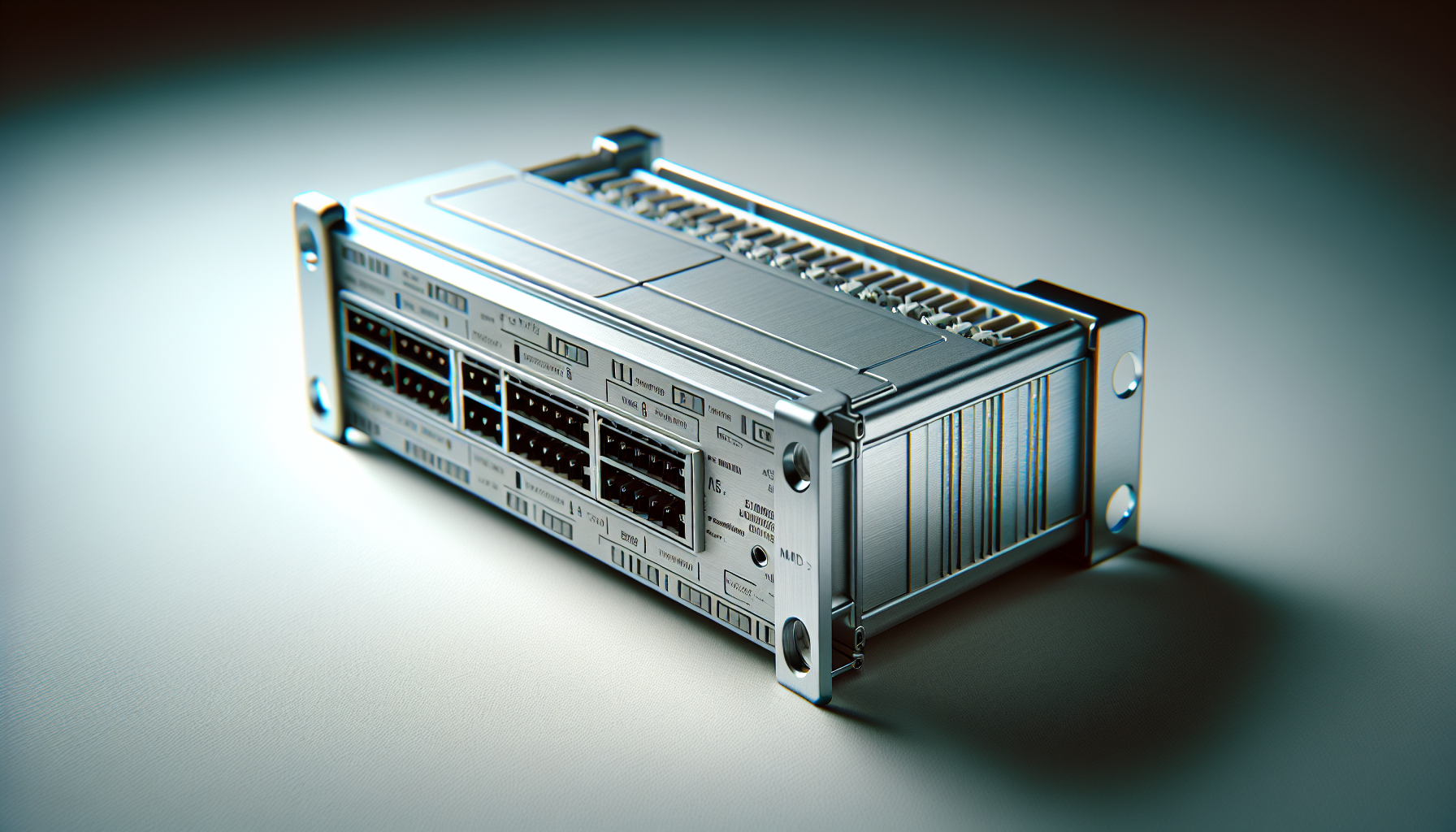
You’ll find the LUTRON QSE-IO, GRAFIK EYE, LIGHTING CONTROL SYSTEM INTERFACE MODULE is designed specifically to bridge third-party equipment and Lutron’s GRAFIK Eye QS systems. It gives you a simple contact-closure input/output interface that lets external devices trigger or respond to lighting scenes without requiring complex protocol translation.
What this module does for you
The module provides contact closure inputs and outputs so devices that only need a dry contact or relay closure can interact with the GRAFIK Eye QS ecosystem. It accepts 24V, 200 mA Class 2 power from the GRAFIK Eye QS control system to operate safely within typical low-voltage automation environments.
Key Features
You’ll appreciate how the QSE-IO focuses on practical interoperability rather than flashy extras. It’s a straightforward interface module meant to make integration less painful and more reliable.
Contact closure I/O
The core feature is the contact closure input/output capability that lets you map external switches, sensors, relays, or automation controllers to GRAFIK Eye scenes and responses. You can use either inputs to trigger scenes or outputs to indicate scene status or send signals to other equipment.
Class 2 power interface
The module integrates using the GRAFIK Eye QS 24V 200 mA Class 2 supply, keeping wiring and safety considerations consistent with industry-standard low-voltage practices. This ensures you don’t need to add separate power supplies in most typical installations.
Technical Specifications
Below is a quick reference table that breaks down the most important technical details so you can compare specs at a glance. You’ll be able to see how the module fits into your system and what limitations to expect.
| Specification | Details |
|---|---|
| Product Name | LUTRON QSE-IO, GRAFIK EYE, LIGHTING CONTROL SYSTEM INTERFACE MODULE |
| Function | Contact closure input/output interface for GRAFIK Eye QS |
| Power Requirement | 24V DC, 200 mA, Class 2 (supplied by GRAFIK Eye QS) |
| Inputs | Multiple dry contact closure inputs (number depends on version/config) |
| Outputs | Dry contact closure outputs to drive relays or signal external devices |
| Compatibility | Designed for GRAFIK Eye QS and third-party devices that use contact closures |
| Mounting | Typically DIN/rail or screw terminal mounting depending on model and installer preference |
| Environment | Low voltage rated; indoor use typically in equipment racks or electrical closets |
| Safety | Class 2 low-voltage isolation reduces risk and simplifies code compliance |
Why these specs matter
Knowing the voltage and current limits tells you which devices you can safely connect without external relays or buffers. The contact closure nature means the module doesn’t pass power to the external device but simply closes or opens a circuit as a switch would.
Installation and Wiring
You’ll find installation straightforward if you plan and follow Lutron’s wiring guidelines. Still, because you’re working with building control wiring, attention to detail and adherence to local code are essential.
Preparing to install
Before you touch any wires, power down the relevant equipment and verify you have the correct GRAFIK Eye QS power feed available. Gather the tools you need: screwdrivers, wire strippers, a small multimeter, and labels for wires.
Wiring inputs and outputs
Inputs typically expect dry-contact closures—momentary or maintained—connected to the designated input terminals. Outputs mirror that behavior, providing a dry contact closure to external devices when a scene or condition is active. You should always confirm the expected wiring diagram for the QSE-IO variant you have, because terminal labeling and counts can vary.
Power connection
Connect the module to the GRAFIK Eye QS 24V Class 2 output per the manufacturer’s instructions. The 200 mA rating is the supply limit—if you try to power or drive devices directly from the module beyond that limit, you risk malfunctioning or damaging the system.
Compatibility and Integration Scenarios
You’ll see use cases across residential, commercial, and hospitality environments. The QSE-IO is particularly helpful when you need simple, reliable signalling between systems with different communication capabilities.
Common third-party devices you can connect
You can integrate pushbuttons, occupancy sensors, door contacts, alarm panels, or building automation controllers that support dry contact outputs. On the output side, you might signal a motorized shade controller, a relay pack, or an external indicator lamp that accepts contact closure.
Integration examples
For instance, you can wire a hotel PMS (property management system) door sensor to an input so the GRAFIK Eye QS adjusts lighting when a guest arrives. Or you can use the module’s outputs to send a signal to an AV system when a particular lighting scene is activated so screens and speakers adjust automatically.
Performance and Reliability
You’ll want a module that performs consistently over time, and the QSE-IO is built to Lutron standards with reliability in mind. It’s focused on simple, binary signaling which tends to be robust in real-world installations.
Response and speed
Contact closures are near-instantaneous for the purposes of lighting scene changes, so you’ll get immediate feedback when you press a linked switch or when an automation event triggers the input. There’s negligible latency introduced by the interface itself.
Robustness and lifetime
Because the device handles low-voltage control rather than high-current switching, wear tends to be a function of the number of mechanical closures and the environmental conditions. In typical indoor installations, the QSE-IO should give you many years of dependable service if wired and mounted properly.
Use Cases and Practical Applications
You’ll find that the module fits many scenarios where simple signaling is required to link systems with different control methods. Think of it as an interpreter for on/off style commands.
Residential applications
In homes, you might use it to let a legacy keypad or alarm system trigger lighting scenes without replacing the whole panel. It’s a practical solution when you want to keep existing hardware and still integrate with GRAFIK Eye QS scenes.
Commercial and hospitality
In conference centers or hotel rooms, the module lets building management systems or room controllers interact with lighting scenes for preset events, housekeeping occupancy, or energy-saving behaviors. It’s a cost-effective path to automation without deep system changes.
Programming and Scene Mapping
You’ll need to program the GRAFIK Eye QS to recognize and assign functions to the QSE-IO inputs and outputs. Lutron’s software and commissioning workflows let you map inputs to scenes and use outputs as feedback.
Assigning inputs to scenes
Using GRAFIK Eye QS configuration tools, assign each input to trigger a specific scene or set of scenes. You can choose momentary activation, toggling actions, or even multi-function behavior depending on the GI protocol and the controller’s configuration options.
Using outputs as indicators or triggers
Outputs can be mapped to signal external devices when a scene is active. For example, an output could close when “Presentation” mode is active, letting an AV system know to lower projection screens or route audio accordingly.
Troubleshooting Tips
You’ll run into a few common issues when integrating modules like this, but most are simple to identify and solve. A methodical approach will save time and prevent unnecessary equipment swaps.
No response from inputs
If an input doesn’t trigger the expected scene, first confirm the wiring: check that the closure is actually closing the correct terminals and that there’s continuity with a multimeter. Next, verify that the GRAFIK Eye QS recognizes the input in its configuration and that the scene assignment is correct.
Outputs not driving external devices
If an output isn’t signaling an external device, measure continuity across the output terminals when the associated scene is active. If there’s no closure, confirm the QSE-IO is receiving power from the GRAFIK Eye QS and that the device’s programming enables that output. If the module is closing but the external device doesn’t respond, you may need an intermediate relay or buffer that matches the device’s input requirements.
Intermittent behavior
Intermittent behavior is often wiring or grounding related. Make sure all terminations are secure, that wire lengths and gauge are appropriate, and that the module isn’t exposed to electrical interference from power cables or nearby switching loads.
Safety and Code Considerations
You’ll want to observe all local electrical and building codes when installing this module. Because it uses low-voltage Class 2 power, some wiring requirements are simplified, but you still need to respect separation from line-voltage conductors and enclosures.
Class 2 advantages and limits
Class 2 circuits limit current and voltage to reduce risk, which simplifies some compliance issues. However, you can’t use the QSE-IO outputs to directly power high-current devices; instead, use the module to drive relays or control circuits that are properly rated.
Mounting and enclosure
Install in an approved enclosure or equipment cabinet to prevent accidental contact and to provide strain relief for wiring. Ensure ventilation and ambient conditions match Lutron’s recommendations if you’re installing multiple modules or nearby heat-emitting equipment.
Maintenance and Long-Term Care
You’ll appreciate how little routine maintenance this kind of module needs, but periodic checks keep things reliable. Treat it as part of your larger building control maintenance schedule.
Periodic checks
Every 6–12 months, verify terminal tightness, check for corrosion or moisture, and confirm firmware or system settings are still correct after any system updates. Clean the cabinet area to reduce dust accumulation that can contribute to connector issues.
Firmware and system updates
If the GRAFIK Eye QS controller receives firmware updates, check compatibility notes to ensure the QSE-IO functions as expected afterward. While the module is largely hardware-based, changes at the main controller level can affect how inputs and outputs are recognized or assigned.
Pros and Cons
You’ll want the unbiased list to weigh whether this module fits your project needs. Here’s a concise summary to help your decision-making.
Pros
- Simple, reliable contact-closure interface that you can wire quickly.
- Uses GRAFIK Eye QS 24V Class 2 supply—keeps power handling consistent.
- Ideal for integrating legacy or third-party systems without complex gateways.
- Low latency and high reliability for scene triggering and signaling.
Cons
- Limited to contact-closure style signaling; it won’t translate complex protocols like IP, RS-232, or serial without additional equipment.
- Power limits (24V, 200 mA) mean you might need relays or buffers for some external devices.
- Physical terminal counts and layout may require careful planning in larger installations.
Comparison with Alternatives
You’ll want to compare this module to other integration strategies so you pick the right tool for the job. Below is a simple comparison table showing how the QSE-IO stacks up against other common options.
| Integration Method | Typical Use | Pros | Cons |
|---|---|---|---|
| QSE-IO Contact Closure Module | Triggering scenes from dry-contact devices | Simple, reliable, low-latency, low-cost | Limited to on/off signaling; needs relays for high-power devices |
| Protocol Gateway (IP, RS-232) | Full bi-directional control with richer data | Full control and status feedback; scalable | More complex, needs protocol handling and configuration |
| Relay Packs / Contactors | Directly switching high-power loads | Handles high current, straightforward | No scene logic; requires separate control input |
| Custom Integration via Third-Party Controllers | Complex automation and logic | Highly flexible, supports many devices | Higher cost, more commissioning time |
When to pick the QSE-IO
You should choose the QSE-IO when you need a cost-effective, low-complexity way to link legacy or third-party devices to scenes without replacing the entire control system. If you need deep status reporting or protocol-level control, consider gateways or custom controllers instead.
Real-World Examples
You’ll find this module in many practical installations because it answers a specific and common need. Below are a few realistic scenarios showing how it performs on the job.
Hotel guestroom automation
A hotel wants a simple occupancy-based scene activation without rewiring the whole room. The occupancy sensor’s dry contact goes to the QSE-IO input, which triggers the “Guest Enter” scene on the GRAFIK Eye. Lighting, HVAC mode, and shades change in one coordinated step.
Conference room “presentation” mode
You want a single wall button to set lights, lower the screen, and route audio. The button closure signals the QSE-IO input; the output tells the AV controller the room is in presentation mode so it can switch inputs and lower the screens.
Retrofit with legacy alarm system
You don’t want to replace an alarm panel but need it to arm away lights. The panel’s relay outputs connect to QSE-IO inputs, which change lighting to an “armed-away” scene when the alarm arms.
Purchasing and Installation Tips
You’ll want to avoid common purchasing pitfalls and be ready for a smooth installation. Consider these practical tips when sourcing and installing the module.
Check model specifics
Confirm the exact QSE-IO variant and terminal count matches your project needs. Different part numbers or firmware revisions may change terminal labeling or connection details, so review the datasheet for your part number.
Plan for buffers/relays
If your external devices draw more power or require different signal types, budget for external relays or interface relays to protect the QSE-IO and the GRAFIK Eye QS power source. This is a small upfront cost that avoids headaches later.
Label and document
Label each wire and record the mapping of inputs to scenes and outputs to devices. Good documentation makes future troubleshooting and changes far easier, especially in multi-unit buildings.
Shop LUTRON QSE-IO GRAFIK EYE On Amazon
Frequently Asked Questions (FAQs)
You’ll likely have a few specific questions when planning your project. Below are common FAQs and concise answers to help.
Can the QSE-IO power external devices?
No, it provides dry contact closures and relies on the GRAFIK Eye QS 24V 200 mA Class 2 supply for its own operation. You should not use its outputs to power external loads without proper relays or power supplies.
How many inputs/outputs are available?
The number can vary by model or installer configuration, so check the specific datasheet or part number details for exact counts. If you need many I/O points, multiple modules or alternative solutions may be necessary.
Is this compatible with IP-based automation systems?
Directly, no — this module handles contact-closure signaling. However, you can use other controllers or gateways to translate IP commands into contact closures or vice versa, enabling integration into larger networked automation systems.
Final Thoughts and Recommendation
You’ll find the LUTRON QSE-IO, GRAFIK EYE, LIGHTING CONTROL SYSTEM INTERFACE MODULE is a practical, reliable way to integrate simple third-party devices into a GRAFIK Eye QS-controlled lighting environment. If your project requires straightforward on/off signaling between systems, it’s an economical and time-saving choice.
Who should buy this
Choose this module if you are integrating legacy equipment, need inexpensive scene triggers from third-party controllers, or want a robust way to indicate scene status to external systems. If you need bi-directional protocol control or advanced telemetry, you should consider additional gateways or controllers alongside the QSE-IO.
Final recommendation
If your integration needs match contact-closure style signaling and you want to keep the overall system simple and reliable, this Lutron interface module will serve you well. Plan for any buffering or relay needs, follow installation practices, and you’ll be able to tie disparate systems together without replacing proven equipment.
Get The LUTRON QSE-IO GRAFIK EYE Now
Disclosure: As an Amazon Associate, I earn from qualifying purchases.