
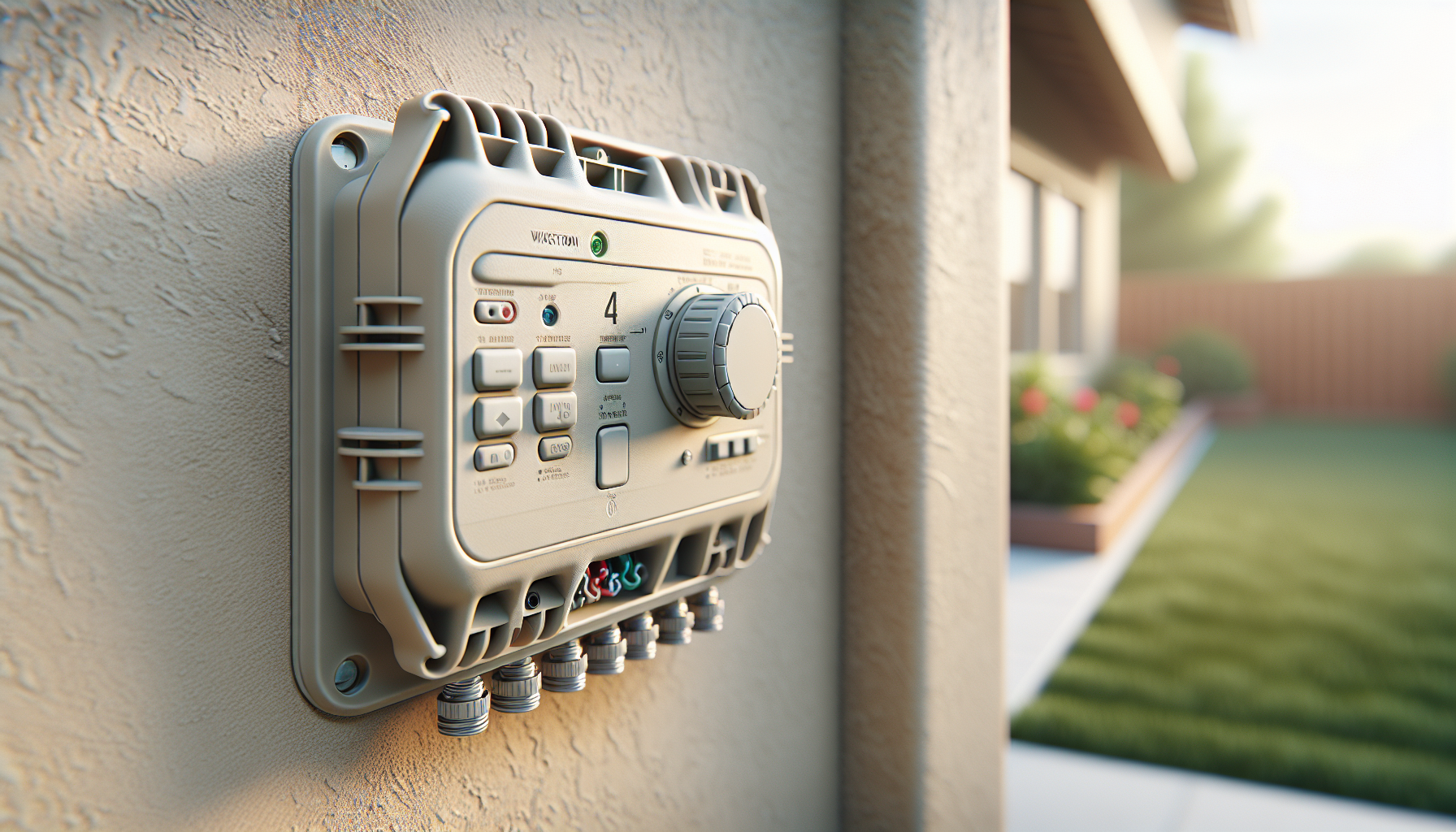
Looking for a reliable 4-station sprinkler controller that gives you smart watering features and solid protection for your irrigation system?
Buy Hunter 4-Station X-Core Controller (XC-400) On Amazon
Overview of the Hunter 4 Station X-Core Outdoor Sprinkler System Controller XC-400
You’ll find that the Hunter 4 Station X-Core Outdoor Sprinkler System Controller XC-400 is built to be a straightforward, dependable controller for small yards, home landscapes, and simple commercial applications. The unit combines essential programming flexibility with the option to add intelligent water-saving accessories, so you get more control without a steep learning curve.
Key Features
This controller packs a number of features aimed at improving water efficiency, protecting the system, and keeping your programming intact through power interruptions. You’ll appreciate the mix of basic manual controls and optional smart accessories that let you scale functionality as needed.
Watersense Smart Watering and Solar Sync
The XC-400 supports WaterSense-level smart watering when you add the Solar Sync sensor, helping you comply with water-efficiency standards and reduce unnecessary watering. By using local weather data from the Solar Sync, you’ll have automatic adjustments that respond to evapotranspiration and rainfall, rather than relying solely on preset schedules.
Easy Retrieve Memory & Non-Volatile Memory
The Easy Retrieve memory function lets you save and restore your programming, so you don’t lose custom schedules when you need to power down or make changes. Non-volatile memory ensures that your settings are retained even if the house circuit trips or the controller loses power, which gives you peace of mind and saves time reprogramming.
Programmable Rain Delay
You can set programmable rain delays that temporarily suspend watering for a set number of days, which is handy during unexpected storms or municipal watering restrictions. This feature works both manually and automatically when linked to compatible rain sensors, so you’ll avoid watering during wet periods.
Automatic Short Circuit Protection
The controller includes automatic short circuit protection that isolates a problem zone if a wiring short occurs, allowing the rest of the system to continue operating. That means you can keep most of your irrigation running while you troubleshoot or replace damaged wiring, reducing landscape stress.
XC-400 Hardware and Design
The XC-400 has a weatherproof outdoor housing designed for simple wall mounting and easy access to wiring terminals and programming controls. Its tactile dial and clear labeling are designed for straightforward use, especially if you prefer hands-on programming over smartphone apps.
Specifications Table
Below is a table that breaks down the main specifications and features for easier comparison and quick reference.
| Specification / Feature | Details |
|---|---|
| Model Name | Hunter 4 Station X-Core Outdoor Sprinkler System Controller XC-400 |
| Station Capacity | 4 stations/zones |
| Power | 120 VAC 60 Hz transformer (included or required depending on package) |
| Smart Add-on | Solar Sync compatible (adds WaterSense smart watering) |
| Memory Type | Easy Retrieve memory; Non-Volatile memory |
| Rain Control | Programmable Rain Delay; compatible with rain sensors |
| Protection | Automatic Short Circuit Protection |
| Programming | Multiple start times, run times, days of week, odd/even day watering |
| Outdoor Rating | Weatherproof outdoor enclosure |
| Warranty | Typically 2 years (check vendor details for exact warranty) |
| Typical Uses | Small yards, residential landscaping, small commercial sites |
You’ll find this table handy when you’re deciding whether this model fits your property size and system needs. The specs make it clear that this controller is aimed at small, practical installations with room to add smarter watering accessories.
What You Can Expect in Daily Use
Using the XC-400 day to day will feel familiar if you’ve used conventional dial-style irrigation controllers before, but you’ll also notice the benefits when you add Solar Sync or other sensors. The controller provides reliable scheduling, quick manual starts, and peace of mind through memory retention and short circuit protection.
Setting Up Your Controller
Setup is intentionally simple: you mount the cabinet, connect transformer and valves, and step through the easy programming options on the dial. If you’ve got basic wiring experience, you can typically install and program the controller in under an hour.
Programming Schedules
You’ll set start times, run times, and watering days using the dial and terminal strip; the controller supports multiple start times per program so you can stagger watering for water pressure management. The Easy Retrieve feature helps you store a favorite configuration to recall later, which is convenient for seasonal changes or vacation schedules.
Using Solar Sync with the Controller
When you add the Solar Sync sensor, you’ll benefit from automatic ET-based adjustments that reduce unnecessary watering during cool or rainy periods. The controller handles the data and modifies the schedule, so you don’t have to adjust each zone manually when conditions change.
How Rain Delay Works
Rain delay lets you pause watering for a specified number of days either manually or via a connected sensor, preventing waste after natural precipitation. You’ll find it especially useful during spring storms or when municipal restrictions demand temporary suspension.
Installation Guide
Installing the XC-400 is approachable even if you’re doing the work yourself, but you should follow local electrical and plumbing codes and consider hiring a professional if you’re uncertain. The following sections break the job into manageable steps and highlight common pitfalls so you can get it right the first time.
Tools and Preparation
You’ll need basic tools: screwdriver set, wire strippers, pliers, a drill for mounting, and a multimeter for verifying voltage and continuity. Prepare by turning off power to the controller circuit and labeling wires from valves for easier terminal hookup.
Wiring and Hookup
Connect each valve solenoid wire to the corresponding station terminal and attach the common wire to the COM terminal; hook up the transformer to the 24 VAC terminals. If you’re installing a Solar Sync or rain sensor, follow the wiring diagram to attach sensor leads to the appropriate sensor terminals.
Mounting the Unit
Mount the controller on a flat exterior wall using stainless steel screws and anchors rated for outdoor use; place it high enough to avoid potential water runoff and easy access for programming. Ensure the door closes securely and that the controller is sheltered from direct water spray when possible.
Testing and Initial Run
After wiring, restore power and run a manual test of each station to confirm that valves open and irrigation zones operate. Use a multimeter to confirm 24 VAC at the transformer and to check continuity if any zone fails to activate.
Troubleshooting Common Issues
Even simple controllers can present problems if wiring or valves have issues, but the XC-400’s diagnostic behavior and short circuit protection make troubleshooting more straightforward. Below are common symptoms and practical steps to resolve them.
Error Codes and Display Clues
You’ll sometimes see the controller react by skipping stations or not starting when a short is detected; check the manual for any blinking or display cues that hint at problems. If the display is blank, verify that the transformer and household circuit are powered and that the unit is receiving 120 VAC.
Short Circuit Protection Activation
If the controller isolates one station, short circuit protection has likely tripped for a wiring issue in that zone; the unit will continue operating other stations while protecting the damaged circuit. You should inspect valve wiring for chafing, rodent damage, or faulty solenoids, and repair the issue before attempting to reset the controller.
Memory Loss or Corruption
Because the XC-400 uses non-volatile memory, you shouldn’t lose your programming in a power outage, but if something seems corrupted you can use Easy Retrieve to restore a saved program. If the controller behaves erratically after a power event, performing a manual backup of your settings (if you know them) and then restoring the controller to factory default and reprogramming can clear glitches.
Valve Not Turning On
If a station fails to activate, check the wiring terminal connections first and confirm that the valve works by applying 24 VAC directly from a test transformer. Ensure the valve solenoid is seated and that the valve diaphragm isn’t clogged with debris, which can prevent operation even when the solenoid is energized.
Power Issues and Transformers
If the controller is not powering on or the display fades, verify that the transformer is the correct voltage and has been installed properly. A faulty transformer or improper wiring to the 120 VAC supply can cause intermittent operation or complete failure.
Maintenance Tips
Maintaining your controller and related components will extend life and keep your irrigation efficient, so take a little time each season to inspect and test the system. Simple checks pay off in fewer service calls and better landscape health.
Seasonal Startup and Shutdown
Before the watering season, test every zone and replace any damaged valve or sprinkler heads; in areas with freezing winters, ensure the system is properly winterized to avoid damage. At season end, consider shutting off the controller and draining or blowing out lines to protect plumbing and valves.
Cleaning and Inspection
Keep the cabinet clean, check for insect nests, and ensure the door gasket remains intact to maintain the outdoor rating. Inspect wiring access points and the transformer for corrosion or signs of moisture intrusion.
Sensor and Solar Sync Care
If you use Solar Sync or other sensors, clean the sensor surface regularly and check mounting orientation for accurate sun exposure and airflow. Replace sensor batteries or connections as needed and check sensor calibration if watering seems unusually high or low.
Firmware and Component Updates
While the XC-400 is not a Wi-Fi controller requiring firmware updates over the internet, you should stay aware of accessory compatibility and any field notices from Hunter. Keep documentation and any accessory firmware information in a safe place for reference.
Compatibility and Add-ons
The XC-400 is designed as a modular solution where you can add smart accessories without replacing the whole controller. You’ll have a range of optional extras that expand functionality for better water management.
Solar Sync Sensor
The Solar Sync sensor adds ET-based adjustments to your schedule, automatically adjusting run times based on local weather conditions. You’ll plug the sensor into a designated sensor input and configure the controller to accept Solar Sync adjustments.
Rain and Freeze Sensors
You can connect wired rain or freeze sensors to interrupt irrigation during wet or below-threshold temperature events. These sensors help you avoid wasteful operation and protect your plants during adverse weather.
Pump Start Relay and Flow Sensors
If your irrigation system uses a pump, the controller can be paired with a pump start relay to switch the pump on when stations call for water. Flow sensors and master valves can be integrated for leak detection and additional system protection.
Compatibility with Valves and Solenoids
The XC-400 is compatible with standard 24 VAC valve solenoids and most common valve brands, allowing you to upgrade or replace valves without worrying about compatibility. If you use high-draw or specialty valves, verify current draw and compatibility with the controller’s protection circuitry.
Water Efficiency and Cost Savings
Using a WaterSense-capable controller with Solar Sync can deliver meaningful reductions in water use, translating into lower utility bills and healthier plants that aren’t overwatered. You’ll not only save money but also reduce runoff and pressure on local water resources.
Typical Water Savings
Estimates vary, but intelligent scheduling and sensor-driven adjustments commonly reduce irrigation run time by 20–50% depending on prior practices and climate. You’ll see the biggest savings if your current schedules run on fixed timers without accounting for seasonal weather changes.
Environmental Impact
By using less water and minimizing runoff, you’ll help lower energy use for water treatment and reduce the fertilizer runoff that affects local waterways. Efficient irrigation is a practical way for you to support community water goals while keeping your landscape attractive.
Financial Return on Investment
The cost savings from reduced water use can offset the expense of the controller and Solar Sync add-on over a few seasons, especially in areas with high water rates. You’ll get additional value from reduced maintenance and fewer plant replacements due to over- or under-watering.
Pros and Cons
It helps to weigh the strengths and limitations so you know if this controller matches your expectations and system size. Below are clear points to consider before purchasing.
Pros:
- You’ll get reliable, easy-to-use programming with a tactile dial interface.
- Non-volatile memory and Easy Retrieve protect your settings from power loss.
- Automatic short circuit protection isolates faults and keeps most zones operating.
- Solar Sync compatibility adds true ET-based smart watering without needing Wi-Fi.
- Weatherproof outdoor housing makes it simple to install near your irrigation equipment.
Cons:
- You won’t get built-in Wi-Fi or remote smartphone control without additional hardware.
- Four stations may be limiting for larger or more complex landscapes unless you add additional controllers.
- The interface is not as modern or visual as app-driven controllers for some users.
- Advanced features like flow monitoring require accessory purchases.
Comparison with Similar Controllers
Knowing where this controller stands relative to other options helps you make a match to your needs and budget. You’ll see that the XC-400 sits comfortably between basic timers and more complex landscape controllers.
Hunter Pro-C (Comparison)
Compared to Hunter’s Pro-C, the X-Core XC-400 is more compact and simpler, while the Pro-C offers more stations and advanced features for larger systems. If you need expansion beyond four stations or more advanced programming, the Pro-C might be a better fit; if you want simplicity, the XC-400 will serve you well.
Orbit B-hyve (Comparison)
The Orbit B-hyve adds built-in Wi-Fi and smartphone app control, offering remote access and cloud-based weather adjustments. You’ll trade some of the XC-400’s robust hardware protections for convenience; if remote control is a priority, B-hyve may be preferable, but if physical durability and short circuit protection matter more, the XC-400 wins.
Rain Bird SST (Comparison)
Rain Bird’s SST and similar smart controllers emphasize remote management and more full-featured interfaces, and often include integrated smart features in the base unit. The Hunter XC-400 keeps the base unit simpler but gives you the option to add Solar Sync for ET-based adjustments without a subscription.
Who Should Buy This Controller
You should consider the XC-400 if you have a small to medium yard, want reliable local-based smart watering (via Solar Sync), and prefer a robust outdoor-rated controller with solid protections. If you value simplicity and durability over app-driven features, this controller is a strong match.
Ideal Users
You’ll benefit if you:
- Manage a 4-zone system or smaller and want dependable control.
- Prefer a physical dial interface and easy manual overrides.
- Want WaterSense-level performance via Solar Sync without cloud dependency.
- Need automatic short circuit protection to keep your system running safely.
Less Ideal Users
Consider other options if you:
- Want built-in Wi-Fi and smartphone app control as a base feature.
- Need more than four stations without adding extra controllers.
- Prefer more graphical interfaces or subscription-based smart features.
Final Verdict
The Hunter 4 Station X-Core Outdoor Sprinkler System Controller XC-400 is a solid, user-friendly choice if you want dependable basic scheduling with the option to add intelligent water-saving accessories. You’ll get useful protections, memory safeguards, and the ability to scale functionality via Solar Sync or sensors without losing the simplicity of a traditional controller.
Purchase Hunter XC-400 On Amazon
Frequently Asked Questions
Below are common questions you might have and concise answers to help you decide and use the controller effectively.
Can the XC-400 be used outdoors?
Yes, the XC-400 is designed with a weatherproof outdoor housing to permit wall-mounted outdoor installation. You should still mount it in a sheltered area away from direct water spray for best longevity.
Does it require a subscription for smart features?
No, smart watering through Solar Sync does not require a subscription; it’s a local sensor-based solution that plugs into the controller. You’ll only need to buy the Solar Sync accessory once and attach it to get ET-based adjustments.
How many stations can I run with this unit?
The XC-400 supports up to 4 stations or zones, which covers many residential lawns and smaller commercial landscapes. If you need more stations, you’ll either add another controller or choose a larger Hunter model.
What happens during a power outage?
Non-volatile memory retains your programming even when power is lost, so you won’t lose schedules or settings. Once power is restored, the controller resumes operation using the stored programming.
How does automatic short circuit protection work?
If a wiring short occurs, the controller automatically isolates the affected station to prevent the entire system from failing. This allows other stations to continue operating while you troubleshoot the faulty wiring or solenoid.
Is Solar Sync easy to install?
Yes, Solar Sync is designed to be easy to mount and connect; it plugs into the sensor input and is configured through the controller interface. You’ll need to mount it in a location with unobstructed sun exposure and follow the manufacturer’s orientation guidelines.
Can I attach a rain sensor or freeze sensor?
Yes, the controller supports wired rain and freeze sensors, which will temporarily interrupt watering based on actual precipitation or temperature thresholds. These sensors help you avoid unnecessary watering and protect plants in freezing conditions.
Do I need a professional to install it?
You can install the XC-400 yourself if you’re comfortable with basic electrical wiring and valve connections, but you should consult a professional if you’re unsure about wiring or local code requirements. Hiring an experienced irrigation technician can ensure optimal setup and reduce the risk of mistakes.
What maintenance does the controller require?
Regular checks include cleaning the cabinet, inspecting wiring and terminals for corrosion, testing zones seasonally, and maintaining any connected sensors like Solar Sync. Besides that, the controller is mostly set-and-forget until seasons or conditions change.
Is the controller compatible with all valve brands?
The XC-400 is compatible with standard 24 VAC permanent-magnet valve solenoids from most major manufacturers. Check the solenoid current draw and manufacturer documentation if you plan to use specialty valves.
Additional Resources and Tips
You’ll find that preparing a small checklist before installation and keeping documentation handy will make future adjustments faster and less stressful. A few practical tips can save you time and expense.
Pre-Installation Checklist
Before starting, confirm transformer voltage, label valve wires, locate a suitable outdoor mounting spot, and have basic tools on hand. Planning your irrigation times and seasonal adjustments in advance will make programming quicker.
Labeling and Documentation
Label each valve wire and keep a printed copy of your final program settings in the cabinet for easy reference by you or any maintenance provider. This small step saves time when troubleshooting or making seasonal changes.
When to Call a Pro
If you encounter persistent valve failures, complex pump setups, or unusual wiring issues, calling a licensed irrigation pro can prevent damage and ensure system safety. Professionals can also optimize sprinkler head selection and spacing for maximum water efficiency.
You now have a comprehensive review of the Hunter 4 Station X-Core Outdoor Sprinkler System Controller XC-400 and the Watersense Smart Watering Controller functionality when using Solar Sync, Easy Retrieve memory, programmable rain delay, non-volatile memory, and automatic short circuit protection. If you’d like, you can tell me about your property size and zone layout and I’ll suggest a tailored watering schedule and accessory checklist for your setup.
Shop Hunter 4-Station X-Core (XC-400) — Amazon
Disclosure: As an Amazon Associate, I earn from qualifying purchases.