
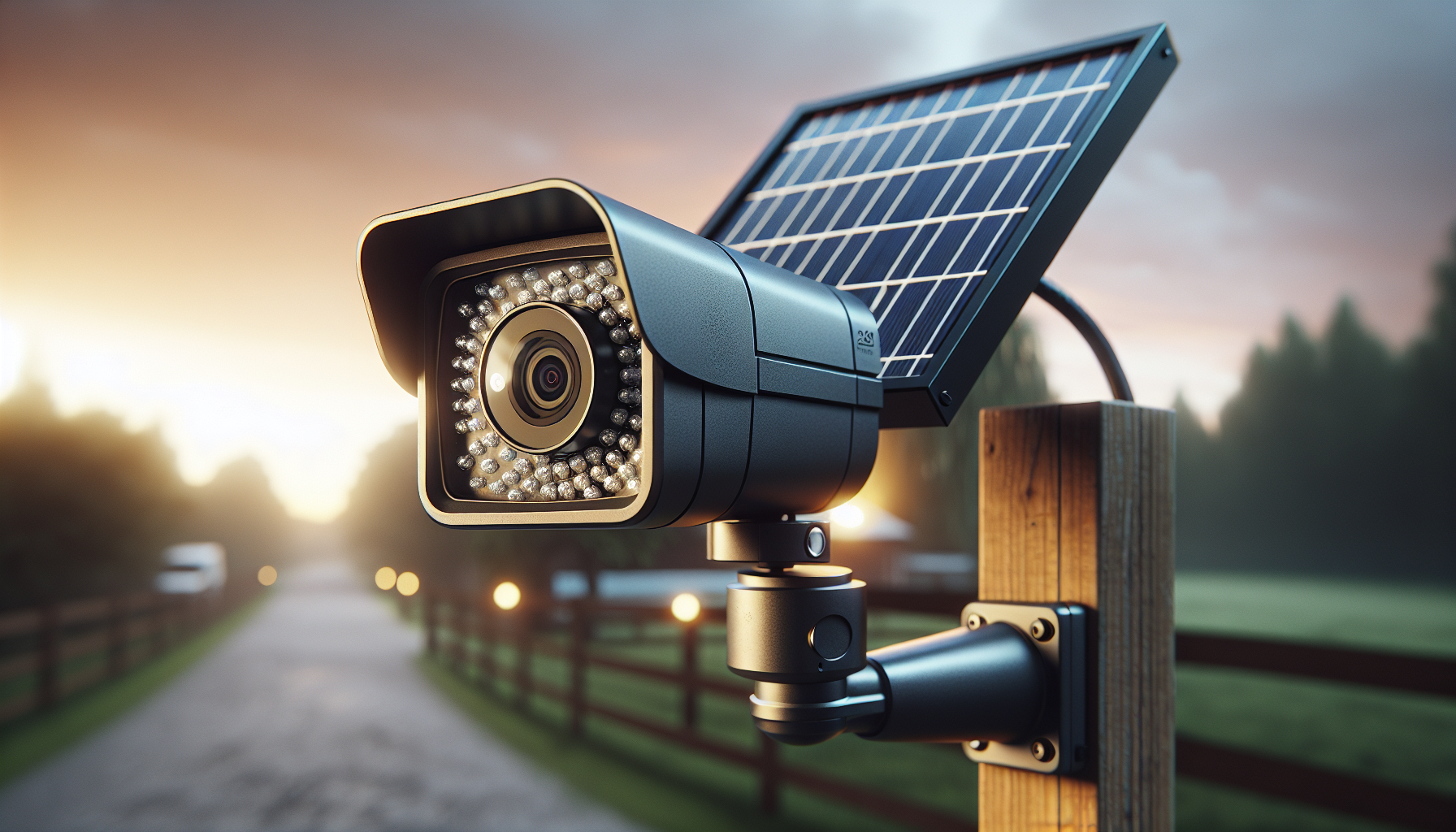
Want a solar-powered surveillance system that keeps your footage at home, runs year-round, and scales to cover a large property?

Overview of Hiseeu Solar Security Cameras Wireless Outdoor System, 8 Cam-Kit, Expandable to 10CH, No Monthly Fee, Solar-Powered, Home Security Cameras System with 2K Color Night Vision, 2.4G & 5G WiFi, 1TB HDD
This system is built for people who want a self-contained security setup with local storage and solar-powered cameras. You get an 8-camera kit that can grow to 10 channels, a 1TB HDD base-station, and a set of features designed for outdoor, off-grid, or rural homes.
Who this is for
You should consider this if you want no monthly cloud fees, need reliable local recording, and want to install cameras in places without easy power or WiFi. It also fits renters, vacation rental hosts, farmers, and anyone protecting outbuildings, gates, or long driveways.
What stands out
The combination of solar power, 2K color night vision, dual-band WiFi capability, and a base-station with offline HDMI monitoring is unusual in this price segment. You’re essentially getting a hybrid of off-grid cameras with a DVR/NVR that keeps all data in your control.
Hiseeu Solar Security Cameras Wireless Outdoor System, 8 Cam-Kit, Expandable to 10CH, No Monthly Fee, Solar-Powered, Home Security Cameras System with 2K Color Night Vision, 2.4G & 5G WiFi, 1TB HDD
$287.98 In Stock
What’s included in the box
You’ll get cameras, solar panels, mounting hardware, and the base-station with a preinstalled 1TB HDD (depending on the package). Everything you need for a mostly wireless install is included, though you’ll still drill three mounting holes per unit for secure placement.
Cameras and solar panels
Each camera in the kit is paired with a solar panel and a bracket; the panels charge the internal battery so the cameras can run continuously. The mounting hardware lets you set angles and tighten positions so the cameras stay aimed where you need them.
Base-station and cables
The base-station provides local storage, remote access handling, and HDMI output for offline monitoring. You’ll find power adapters, Ethernet cables, and sometimes an HDMI cable included to connect directly to a TV or monitor.
Key specifications (at-a-glance)
This table breaks down the core hardware and capability details so you can scan the main specs quickly.
| Feature | Specification |
|---|---|
| Kit size | 8 cameras (expandable to 10) |
| Camera resolution | 2K (commonly 4MP) |
| Night vision | 2K Color Night Vision with white light |
| Lens / FOV | 135° wide-angle lens |
| Power | Solar-powered cameras with internal battery |
| Base-station storage | 1TB HDD included (supports up to 8TB HDD / 256GB SD on cameras) |
| Connectivity | 2.4GHz & 5GHz WiFi, Base-station local network |
| Motion detection | PIR + AI classification (human/vehicle/pet; advanced AI may require upgrade) |
| Weather rating | IP66 (outdoor-rated) |
| Two-way audio | Yes |
| Siren & light | Built-in siren and white light alert |
| Offline monitoring | HDMI output for TV/monitor |
| Subscription | No required monthly fee (cloud plans optional) |
Setup & installation
Setup is designed to be quick for a DIYer: drill three holes for each camera, mount the bracket, attach the solar panel, and pair with the base-station. The company advertises a five-minute install per camera once you have the placement right, which is realistic if you prepare tools and ladder beforehand.
Pairing cameras with the base-station
You’ll power up the base-station, use the included interface or app to add cameras, and wait for the cameras to auto-pair. The local pairing process is straightforward: press pairing buttons and the base-station recognizes each camera one by one.
Mounting tips
Choose a spot with at least four hours of direct sunlight daily for reliable solar charging. Position the solar panel where shade won’t interfere during key daylight hours, and aim the camera to cover entrances, driveways, or paths at a slightly downward angle to reduce glare and false triggers.
Base-station and local storage
The base-station is the backbone of this system — it stores your footage locally on the 1TB HDD and handles live streaming and notifications. Local storage means your data stays physically at your property, and you don’t rely on third-party cloud servers for basic recording.
Storage capacity and retention
With a 1TB HDD, you’ll typically get multiple months of loop recording depending on resolution and motion levels — Hiseeu lists roughly 6–8 months of continuous loop recording for typical use. The base-station also supports larger HDDs up to 8TB if you want longer retention, and cameras can accept up to 256GB SD cards if you prefer redundant local storage.
Offline monitoring via HDMI
If your internet is intermittent or non-existent, you can plug the base-station into a TV or monitor using HDMI and view live feeds directly. This makes the system practical for remote cabins, workshops, and farms where cellular or broadband is unreliable.
Camera hardware and build quality
The cameras are built to be outdoor-ready with IP66 weatherproofing and sturdy mounts to withstand wind and rain. The housing feels solid and the brackets allow you to lock the camera angle once set, which minimizes drift over time.
Materials and weather resistance
You’ll find corrosion-resistant screws and weather-sealed joints to protect electronics from moisture. The IP66 rating means the cameras resist heavy sprays of water and dust, so they handle most outdoor conditions short of submersion.
Mounting hardware and flexibility
The provided brackets offer tilt and swivel so you can fine-tune coverage, and the solar panels use adjustable mounts to track ideal sun exposure. You should still use proper anchors for masonry or wood surfaces and check torque occasionally, especially in windy locations.
Solar charging and battery life
Solar power is the system’s headline feature: cameras recharge via mounted solar panels and internal batteries to run 365 days with adequate sunlight. Hiseeu claims four hours of direct sunlight daily is enough to keep cameras running year-round, which is reasonable in temperate regions but may be tight in winter or heavily shaded areas.
Battery capacity and real-world runtime
Battery runtime varies with temperature, motion events, and whether lights or two-way audio are used frequently. If you rely heavily on white-light night vision and frequent siren triggers, expect shorter runtimes and consider optimizing motion zones to conserve power.
Tips for maximizing solar performance
Mount panels facing true south (in the northern hemisphere) at an angle suited to your latitude, avoid shading from trees or buildings, and clean the solar panel glass periodically. If you live in a cloudier climate, consider supplemental power or placing panels in the sunniest available spot.
Video quality and 2K color night vision
The 2K resolution gives you crisper daytime details like faces, clothing colors, and readable license plates at moderate distances. The standout is the color night vision: cameras use a combination of sensitive sensors and integrated white lights to record in full color at night instead of grayscale, which helps with identification.
Daytime performance
You’ll get sharp footage during the day with a 135° field of view that covers wide areas without needing many cameras. Colors are generally accurate and motion clarity is good for identifying people and vehicles.
Night performance and white light
At night, the white light-assisted color mode reveals shirts, car colors, and other key details that standard IR night vision would lose. The cameras also switch to traditional IR in some low-light scenarios, but the colored mode is preferable when you want clear identification.
Wireless connectivity: 2.4G & 5G WiFi
These cameras and the base-station support both 2.4GHz and 5GHz WiFi, improving flexibility and reducing interference. Dual-band capability helps if your household network is busy with streaming and gaming, and the upgraded Wi-Fi Pro tech promises more stable connections and longer range.
Range and signal stability
Real-world range depends on obstacles, antenna placement, and local interference, but the dual-band support gives you options to prioritize speed (5GHz) or penetration/range (2.4GHz). If you need to connect cameras far from your router, using the base-station’s position strategically or adding a WiFi extender can help.
When internet is unavailable
You can still use the system offline because the base-station records locally and outputs live video via HDMI. Remote viewing requires internet, but local monitoring does not, which is a major advantage for rural or intermittent-connection locations.
Motion detection, PIR, and AI alerts
The cameras combine PIR sensors and AI classification to reduce false alarms and give you more relevant notifications. PIR handles heat-based detection while AI helps differentiate humans, vehicles, and pets — though advanced AI features may require a cloud upgrade.
Reducing false alerts
PIR sensors limit alerts from like-moving leaves or lighting changes because they look for heat signatures, and you can fine-tune sensitivity and detection zones in the app. This means you’ll get fewer annoying notifications triggered by harmless motion.
AI classification and limitations
AI classification can label events as human, vehicle, or pet, which helps you prioritize alerts, but the more advanced cloud-based AI features may have extra fees. Expect good local performance for PIR-based triggers and improved accuracy when you enable AI filters.
Two-way audio, siren, and white light alerts
Two-way talk lets you communicate directly through the camera using your phone, which is handy for shooing off intruders or speaking to delivery people. The integrated siren and white light add layers of deterrence: siren for audible warning and white light to illuminate and potentially identify subjects.
Practical uses for two-way audio
You can give instructions to visitors, tell a teenager to stop in the yard, or tell a delivery person where to leave a package. Two-way talk quality is usually adequate but varies with network conditions; latency can occur if your internet is slow.
Siren and light as deterrents
When motion is detected, the lights can automatically turn on or you can remotely trigger the siren and light via the app to scare off intruders. Use these judiciously so neighboring properties aren’t repeatedly disturbed by false alarms.
Local view, remote access, and app experience
You can watch live feeds locally via HDMI or remotely through the EseeCloud app on phone, tablet, or PC. Remote viewing gives you the convenience of checking your property from anywhere, while local HDMI monitoring gives you redundancy.
App interface and notifications
The mobile app provides push notifications, playback controls, and camera settings in a friendly interface. Notifications are generally timely, and you can view recorded clips and live streams, though the initial app learning curve is expected if you’re new to NVR systems.
Remote control and user access
You can add multiple users with different permissions so family members or managers can access the feeds. Remote control includes pan/tilt options for fixed cams (if supported), two-way audio control, and playback of recorded events.
Expandability and use cases
The kit supports scaling from 1 to 10 cameras, which is ideal if you plan to expand coverage over time. Whether you want to secure a single home, a multistory rental, a farm, or several outbuildings, you can add cameras and adjust storage accordingly.
Practical scenarios
Use this system for long driveways, barns, detached garages, vacation rentals, and workshops where running power is difficult. Solar power and local storage make it especially suitable for properties with spotty internet or no wired power.
Best placement strategies
Cover access points like doors, gates, and garages first, then fill in blind spots such as corners and shed areas. The wide-angle lens reduces the number of cameras required, but place cameras carefully to avoid backlighting from street lamps or low sun angles.
Pros and cons
This quick list highlights the main strengths and trade-offs so you can weigh decision factors.
| Pros | Cons |
|---|---|
| True wireless cameras with solar charging | Solar performance depends on local climate and shading |
| Local storage with 1TB HDD included | Advanced AI features may need extra subscription fees |
| No mandatory monthly fee | Two-way audio/siren quality depends on network |
| HDMI offline monitoring for no-internet use | Cameras need proper sunlight for continuous operation |
| Dual-band WiFi and scalable to 10 channels | 2K is good but not 4K; very long-range ID may be limited |
Troubleshooting and common tips
You’ll rarely need deep troubleshooting, but common issues include weak WiFi signal, reduced solar charge in winter, and occasional app pairing glitches. Try relocating the base-station, cleaning panels, and checking that firmware is up to date to resolve most problems.
Fixing connection issues
If a camera drops offline, verify the solar battery level and signal strength, reboot the base-station, and move the base-station or add a WiFi extender. Confirm the base-station firmware and camera firmware are current, as updates often fix stability problems.
Optimizing notifications and storage
Adjust sensitivity and set detection zones in the app to reduce false alerts and save storage. If you’re getting too many small clips, increase the cooldown time between motion events or enable scheduled detection only during certain hours.
Comparison to similar systems
Compared to cloud-first brands, this Hiseeu kit emphasizes local control and off-grid operation. While some competing systems may offer higher-res 4K cameras or deeper cloud AI, they typically come with mandatory subscriptions and less focus on solar power.
When Hiseeu is a better fit
Choose Hiseeu when you need solar capability, local storage, and offline monitoring without ongoing cloud fees. It’s also strong if you want to scale over time and maintain physical control of recorded data.
When another system might be preferable
If you prioritize ultra-high resolution (4K) or advanced cloud-based analytics and don’t mind subscription costs, other brands may offer slightly better imaging or AI features. For urban homes with reliable power and internet, cloud-first systems may be simpler for some users.
Installation checklist and best practices
This short checklist helps you prepare for a smooth install: pick camera locations, plan cable runs for solar panels, ensure safe ladder work, and test signal strength before final mounting. Preparing in advance reduces on-site time and avoids repeated drilling.
- Choose sun-facing locations for solar panels
- Mark mount points and pre-drill anchor holes
- Test camera feed and battery charging before final tightening
- Register cameras in the app and set motion zones
- Update firmware immediately after setup
Privacy and security considerations
Local storage means your footage is physically on-site, which reduces exposure to cloud breaches, but you still need to secure the base-station and app access. Use strong passwords, enable user access controls, and change default credentials to keep your recordings private.
Protecting remote access
Enable two-factor authentication if available and keep your router firmware up to date. Limit user accounts and review logs occasionally to make sure only authorized people are accessing live streams.
Pricing and value
The kit represents good value for the combination of solar-powered cameras and a local NVR with a 1TB HDD included. Factor in potential upgrades like larger HDDs or additional cameras if you plan extended retention or expanded coverage.
Cost over time
You’ll save on monthly cloud fees, but consider possible costs for replacement batteries, extra HDD capacity, or optional cloud AI subscriptions. Overall, the total cost of ownership is attractive if you value local control and solar flexibility.

FAQ (short answers)
This section answers a few quick questions you’re likely to ask during purchase or setup.
How many cameras can I use?
You can use up to 10 cameras with the base-station included in this kit.
Do I need WiFi for recording?
No — the base-station records locally and can be monitored via HDMI even without internet. Remote viewing requires an internet connection.
Will the cameras work in winter?
Yes, but solar charging depends on sunlight. Shorter days and cold can reduce battery performance; position panels for maximum sun exposure.
Is there a monthly fee?
No monthly fee is required for local recording. Some advanced cloud AI or storage features may be optional paid services.
Final recommendation
If you want a self-contained security system that runs on solar power, stores footage locally, and supports both offline monitoring and remote access, this Hiseeu 8-camera kit is a solid choice. You’ll appreciate the flexibility to expand to 10 channels, the no-subscription model, and the practical mix of PIR and AI detection to reduce false alarms.
Quick decision guide
If local control, solar charging, and the ability to monitor offline matter to you, choose this system. If you need ultra-high-resolution cameras or rely entirely on cloud analytics and don’t mind subscription fees, consider comparing alternatives.
If you want, I can help you plan camera placement for your property, estimate storage needs based on motion levels, or compare this kit to a specific competing model.

Disclosure: As an Amazon Associate, I earn from qualifying purchases.