
?Are you looking for a reliable mesh WiFi system that can cover a large home, handle many devices, and give you straightforward security and management tools?
Buy NETGEAR Orbi RBK663 AX3800 On Amazon
First Impression
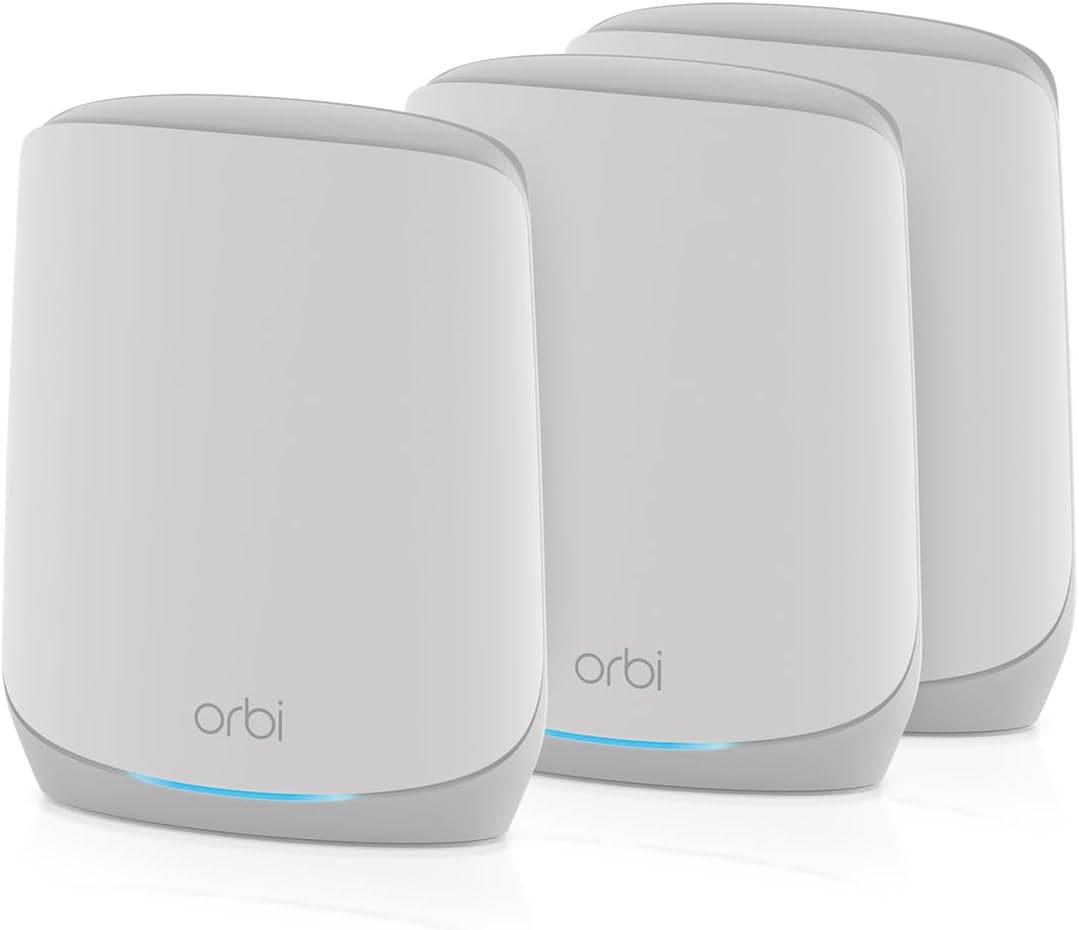
When you open the box, you’ll notice the NETGEAR Orbi Whole Home Tri-Band WiFi 6 Mesh Network System (RBK663) looks modern and minimalist without screaming tech. You’ll immediately appreciate that NETGEAR designed it to be simple to place around your home and easy to integrate with your existing modem and internet service.
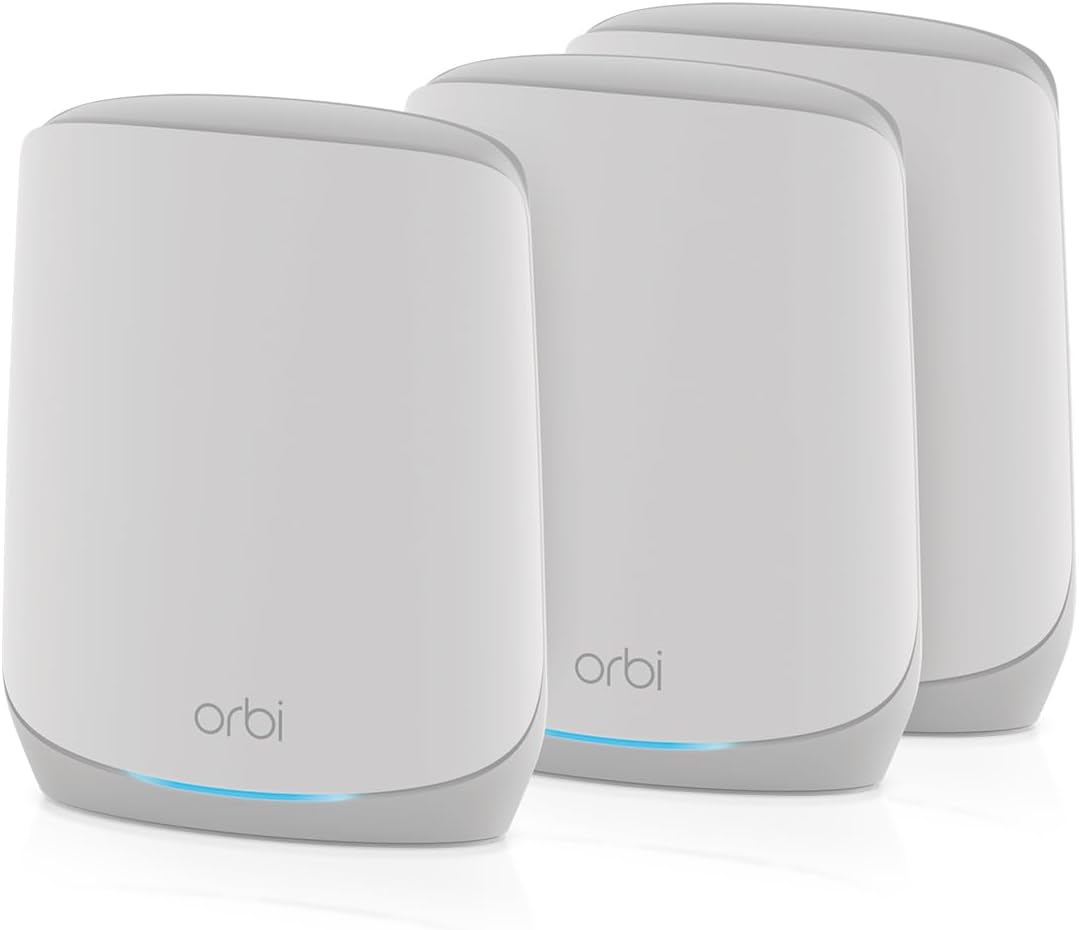
NETGEAR Orbi Whole Home Tri-Band WiFi 6 Mesh Network System (RBK663) – Router with 2 Satellite Extenders, Security Features, Coverage up to 6,600 sq. ft., 75 Devices - AX3800 (Up to 3.8Gbps)
$199.99 In Stock
What’s in the Box
You’ll find a router and two satellite extenders, along with power adapters, an Ethernet cable, and quick start guides. You’ll also see documentation about NETGEAR Armor and instructions for the Orbi app that walks you through setup step by step.
Key Specifications
This section lists the headline specs you’ll want to check before committing to a purchase. You’ll quickly understand how the RBK663 stacks up for coverage, device capacity, wired ports, and security tools.
| Specification | Details |
|---|---|
| Model | NETGEAR Orbi Whole Home Tri-Band WiFi 6 Mesh Network System (RBK663) |
| Included Units | 1 Router + 2 Satellite Extenders |
| Coverage | Up to 6,600 sq. ft. (with 2 satellites) |
| Additional Satellite Range | Up to 2,200 sq. ft. per extra RBS660 (sold separately) |
| WiFi Standard | WiFi 6 (802.11ax) |
| Max Theoretical Speed | AX3800 (Up to 3.8 Gbps aggregate) |
| Supported Devices | Up to 75 concurrent devices |
| Ethernet Ports | Router: 3 x 1 Gigabit; Each satellite: 2 x 1 Gigabit |
| ISP Compatibility | Works with cable, satellite, fiber, DSL; supports up to 1 Gbps ISP speed |
| Security | NETGEAR Armor (30-day trial), built-in safety updates |
| Setup | Orbi app for easy setup and management |
| Region | Made for use in the U.S. only |
Design and Hardware
The hardware looks clean, with a compact vertical shape that fits on a shelf or counter without being intrusive. You’ll find the units use white plastic with minimal LEDs so they blend into home décor instead of being a focal point.
Router Design
The router has a small footprint and three Gigabit Ethernet ports, which gives you room to connect primary wired devices like a desktop, game console, or NAS. You’ll also find the power and WAN ports tucked neatly at the back so cable clutter stays contained.
Satellite Design
Each satellite matches the router’s aesthetic and includes two Gigabit Ethernet ports for local wired devices, which is helpful if you want stable wired connections in multiple rooms. You’ll appreciate that satellites are light enough to move during placement testing but sturdy enough not to tip over easily.
Coverage and Performance
NETGEAR markets the RBK663 as covering up to 6,600 square feet with the included router and two satellites. You’ll likely see performance and full-home coverage depend on floor plan, walls, and interference, but the mesh architecture does a solid job extending a single network across larger spaces.
Real-world Speeds
In real use, you’ll see AX3800-class throughput across mixed devices when close to a unit, and strong mid-home speeds as you move around. You should expect top LAN speeds to be limited by your ISP (the system supports up to 1 Gbps internet service), but internal WiFi throughput will be robust for streaming and gaming.
Multi-device Handling
Because WiFi 6 adds better efficiency and OFDMA for grouped transmissions, you’ll find the RBK663 manages dozens of devices without the same congestion you’d experience on older routers. You’ll still want to prioritize bandwidth-hungry devices where necessary, but the system’s ability to support up to 75 devices makes it suitable for active homes with many phones, smart devices, and streaming gadgets.
Setup and Management
You’ll set the system up using the Orbi app, which walks you through connecting the router to your modem, turning on satellites, and naming your network. The app simplifies many tasks, and if you prefer web admin access, the router also provides a classic GUI for deeper configuration.
Using the Orbi App
The Orbi app gives you guided setup, network testing, device lists, and basic parental control features from your phone. You’ll appreciate push notifications and easy firmware update controls, which help keep your network current without wrestling with technical steps.
Manual Setup / Advanced Settings
If you prefer manual settings, you’ll log into the router’s web interface for advanced options like VLAN tagging, port forwarding, DNS configuration, and static IP assignments. You’ll find these controls are familiar to anyone who’s worked with higher-end consumer routers, so customization remains possible when necessary.
Shop The NETGEAR Orbi RBK663 AX3800 On Amazon
Security and Parental Controls
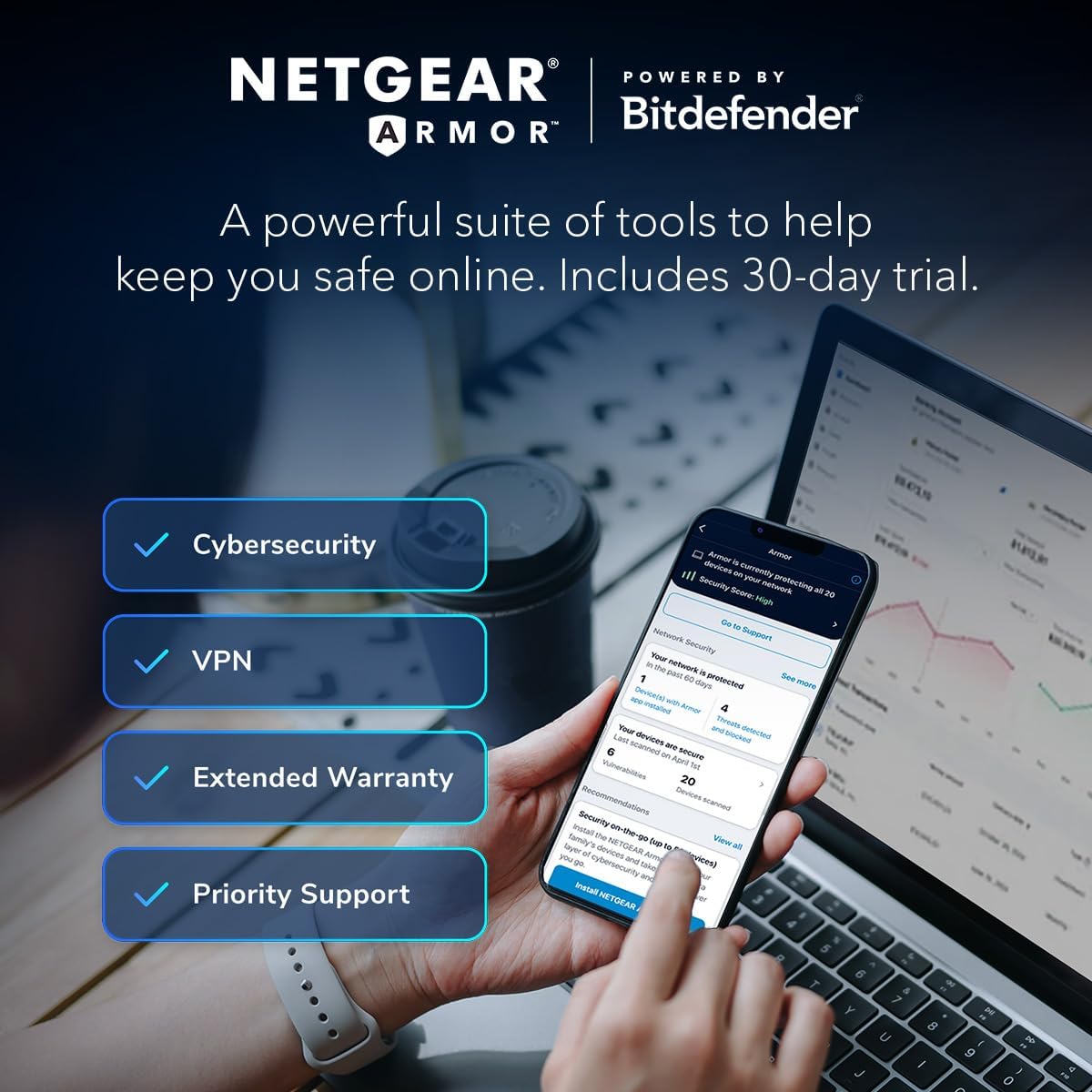
NETGEAR built security measures into the product, and you’ll get a trial of NETGEAR Armor to test its commercial-grade protections. You’ll benefit from regular firmware updates and built-in safeguards designed to reduce the risk of unauthorized access or malware.
NETGEAR Armor
NETGEAR Armor is offered as a 30-day trial with the system and provides device-level malware protection, intrusion prevention, and threat monitoring. You’ll find the extra layer useful if you have many smart devices, since Armor can scan and alert you to suspicious activity on connected devices.
Parental Controls and Guest Network
The Orbi app includes basic parental controls such as scheduling and content filtering when combined with NETGEAR’s services. You’ll also be able to set up a guest network to give visitors internet access without exposing your internal devices, which helps maintain privacy and security.
Ports and Wired Connections
You’ll get three Gigabit Ethernet ports on the router and two on each satellite, which is enough for wired devices in most rooms. You’ll be able to connect game consoles, streaming boxes, and network-attached storage directly for the most reliable speeds.
Compatibility and ISP Support
The RBK663 works with major internet connection types including cable, fiber, satellite, and DSL. You’ll only need to connect it to your existing modem — it replaces your old WiFi router — and it supports ISP speeds up to 1 Gbps without issue.
Gaming and Streaming
You’ll find the Orbi RBK663 well-suited to streaming high-definition video and supporting low-latency gaming sessions when you’re close to a unit or using a wired connection. Tri-band architecture helps keep gaming traffic smooth, because the system can allocate a dedicated backhaul band for node-to-node traffic where needed.
Smart Home and IoT
For smart homes, you’ll appreciate a single SSID covering your whole house, which reduces connection juggling for lights, thermostats, and voice assistants. You’ll also find device isolation options helpful for reducing the blast radius if a vulnerable IoT device is compromised.
Expandability
If your home is larger or has challenging layouts, you can add additional RBS660 satellites to expand coverage. You’ll get consistent management through the Orbi app and keep devices on one unified network as you extend range.
Adding RBS660 Satellites
Each RBS660 you add can extend coverage by up to 2,200 square feet, though real-world numbers will vary with walls and building materials. You’ll pair additional satellites through the app or web interface, and they will automatically mesh with the existing network to provide seamless roaming.
Troubleshooting and Maintenance
If you run into connectivity issues, you’ll first check placement and ensure the router remains connected to your modem. You’ll also use the Orbi app’s diagnostic tools and push firmware updates as needed to resolve bugs and improve stability.
Placement Tips
Place the router centrally if possible and keep satellites in open areas that are on the path between the router and far rooms. You’ll avoid placing units near large metal objects, microwaves, or thick stone walls that can block signals, and you’ll scan with the app to find the best spots.
Firmware and Software Updates
NETGEAR provides firmware updates to patch security holes and add performance improvements, and you’ll get notifications through the Orbi app. You’ll want to allow timely updates and occasionally check the web interface to confirm the router is running current firmware.
Performance Optimization
You’ll get the most out of the RBK663 by enabling features such as QoS or prioritization where you can mark gaming consoles and work devices for higher priority. You’ll also benefit from testing multiple placements and channel settings if you’re in a densely populated wireless area.
Power and Energy Use
The devices are efficient compared to older, power-hungry routers, and you’ll notice modest power draw even with multiple satellites running. You’ll still want to place them where they won’t be accidentally unplugged and where ventilation is adequate to prevent heat build-up.
Voice and Remote Access
If you like managing networks by voice, the Orbi system supports integration with common voice assistants for basic checks and reboots. You’ll also be able to manage your network remotely using the Orbi app, which is handy when you need to check status while you’re away from home.
Setup Checklist (Step-by-step)
You’ll benefit from a short checklist to make setup faster and reduce rework. Follow these steps for a smooth install:
- Connect the router’s WAN port to your modem and power on the modem first if it requires a reboot.
- Power up the Orbi router, then install the Orbi app on your phone and follow the guided setup.
- Power on each satellite and use the app to add them into the network, placing them where LED indicators show a good connection.
- Connect wired devices to the router or satellites where needed, and run speed tests to verify performance.
- Activate NETGEAR Armor if you want enhanced security, and configure parental controls as desired.
Common Issues and Fixes
You’ll occasionally face common mesh problems like weak satellite links or slow WAN speeds, but many problems have quick fixes. Rebooting the modem and router, checking cables, updating firmware, and adjusting satellite placement usually resolves most connectivity complaints.
Pros and Cons
You’ll want a balanced view before buying. This short list helps you weigh strengths against limitations so you can decide quickly whether the RBK663 fits your needs.
| Pros | Cons |
|---|---|
| Strong coverage with 3-unit kit up to 6,600 sq. ft. | Region restricted: made for use in the U.S. only |
| WiFi 6 performance and efficiency for many devices | NETGEAR Armor requires subscription after trial |
| Easy app-based setup and management | Wired port count is limited compared to some large routers |
| Expandable with RBS660 satellites for larger homes | Backhaul is wireless on this SKU, not dedicated wired backhaul |
| Up to 75 devices supported, good for smart homes | AX3800 is mid-high range but not top-of-the-line AX6000 class |
Who Should Buy This
You should consider this if you live in a large multi-room house or multi-story home and want a single, robust WiFi network for streaming, gaming, work-from-home use, and many smart devices. You’ll especially benefit if you value easy setup, built-in security features, and the ability to expand coverage by adding satellites.
Who Should Consider Alternatives
If you need enterprise-level control, a built-in modem, a dedicated wired backhaul right out of the box, or the highest possible AX6000-class throughput, you may prefer a different system. You’ll also look elsewhere if you need multi-region support outside the U.S. or if subscription-free security is a strict requirement.
Pricing and Value
The RBK663 offers a mid-to-high value proposition: you pay for convenience, a reputable brand, and a reliable mesh experience. You’ll likely see comparable systems priced lower or higher depending on inclusion of advanced hardware or a higher AX rating, but the RBK663 balances performance and affordability well for most homes.
Comparison with Typical Alternatives
You’ll find cheaper single-router solutions that can’t match whole-home coverage, and more expensive tri-band systems with higher AX ratings that push the price up. The RBK663 sits in a sweet spot where you get good WiFi 6 performance, easy expansion, and user-friendly security without paying a premium for the absolute fastest chipset.
Warranty and Support
NETGEAR provides a limited warranty and customer support resources for setup and troubleshooting. You’ll also get access to online knowledge bases, community forums, and direct support channels should you need more guided help.
Environmental and Placement Considerations
You’ll want to avoid placing units in enclosed cabinets or next to appliances that emit interference. You’ll get better coverage when satellites are placed in hallways or open rooms that sit between the router and the areas you want to cover.
Long-term Use and Futureproofing
You’ll get several years of useful life from this system thanks to WiFi 6 support and firmware updates. While WiFi 7 is beginning to appear in the market, the RBK663 will remain perfectly usable for most households for streaming, gaming, and smart home tasks for years to come.
Accessibility and Ease of Use
The Orbi app is designed with consumer-friendly workflows so you’ll be able to manage network priorities and guest access with minimal technical knowledge. You’ll find the LED indicators and simple hardware layout make routine checks quick and painless.
Legal and Regional Notes
This unit is made for use in the U.S. only, so you’ll want to confirm regional compatibility if you plan to relocate it outside the U.S. or buy it for use in a different regulatory region. You’ll also check local ISP compatibility, though the RBK663 supports standard connection types up to 1 Gbps.
Tips to Maximize Your Experience
You’ll get better results if you:
- Place the router in a central location and satellites roughly halfway between the router and far rooms.
- Use wired connections for stationary, high-bandwidth devices like gaming consoles or streaming boxes when possible.
- Keep the firmware updated and enable the security features that matter to you.
- Run periodic speed tests to ensure your ISP and internal network are performing as expected.
Final Verdict
If you want a friendly, high-performing mesh WiFi 6 system that’s easy to set up and provides wide coverage for many devices, the NETGEAR Orbi RBK663 is a strong option. You’ll benefit from its balanced mix of speed, coverage, built-in security trials, and expandability, making it a solid choice for busy homes that need reliable whole-home WiFi.
Check Price For NETGEAR Orbi RBK663 On Amazon
Disclosure: As an Amazon Associate, I earn from qualifying purchases.