
Looking for a high-resolution home security system that actually helps you find important clips without hours of watching footage?
Buy REOLINK RLK8-1200D4-A On Amazon
Product Overview
You’ll appreciate that the REOLINK New Version 12MP Smart Security System with AI Video Search, Person/Vehicle/Animal Detection Color & Infrared Night Vision, Two-Way Talk, 24/7 Recording, Perimeter Protection, RLK8-1200D4-A brings a lot of features into a single package. This overview gives you a quick snapshot so you can decide whether to keep reading for the deeper details.
What this system promises
You get 12MP UHD cameras with adjustable spotlights for color night vision, advanced AI-powered video search, and perimeter protection features like Line Crossing Alert and Zone Intrusion. The system also offers PoE for simpler wiring, two-way talk, and a pre-installed 2TB HDD with expansion up to 16TB for continuous local recording.
Who should consider it
If you want high-resolution footage and AI tools that reduce time spent searching video clips, this system is a strong candidate. It’s especially well suited for homeowners and small business owners who prefer local storage and a wired, reliable connection.
REOLINK New Version 12MP Smart Security System with AI Video Search, Person/Vehicle/Animal Detection Color & Infrared Night Vision, Two-Way Talk, 24/7 Recording, Perimeter Protection, RLK8-1200D4-A
$709.99 In Stock
Key Specifications
Here you’ll find a compact breakdown of specs that matter most when you’re comparing camera systems. These details will help you quickly see what the RLK8-1200D4-A includes.
| Feature | Details |
|---|---|
| Cameras | 4 x 12MP UHD PoE cameras (97° FOV) |
| Night Vision | Color night vision with built-in adjustable spotlights; infrared mode available |
| Detection | Person, vehicle, animal, motion, perimeter protection (line crossing, zone intrusion, zone lingering) |
| AI Video Search | Large-model AI, keyword-based cross-channel search |
| Audio | Two-way talk via Reolink app/client |
| Storage | Pre-installed 2TB HDD, expandable to 16TB |
| Recording | 24/7 local recording; continuous and event recording |
| Connectivity | PoE for power and data over single cable |
| Model | RLK8-1200D4-A |
Why these specs matter
The 12MP resolution and 97° field of view mean you’ll capture more detail and wider scenes compared with many common 1080p systems. The PoE design simplifies routing cables and helps ensure reliable power and network connectivity without running separate power lines.
How the table should guide your decision
You’ll use the table to compare against other systems quickly, especially when checking camera count, storage options, and AI features. If those items match your priorities, it’s worth reading the deeper sections.
Design and Build Quality
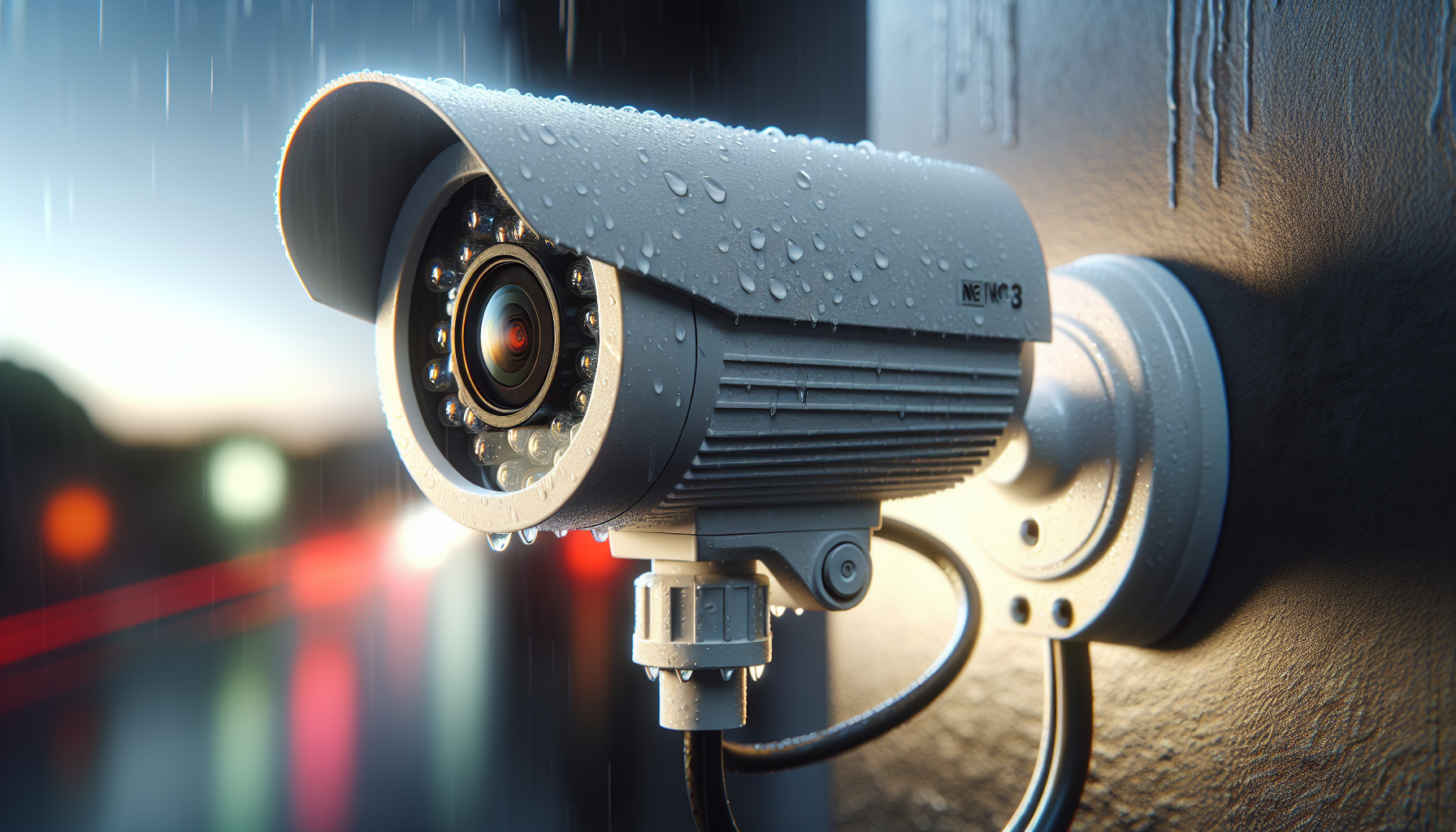
You’ll notice the cameras have a robust look and a weatherproof feel, which gives you confidence for outdoor placements. The housings are designed for standard mounting and come with adjustable brackets to help you set angles correctly.
Camera form factor and mounting
The bullet-style cameras are streamlined for wall or soffit installs and include mounting hardware that should fit most common surfaces. You’ll find it straightforward to adjust the pan/tilt orientation manually during setup to get the desired coverage.
NVR and HDD build
The Network Video Recorder (NVR) arrives with a 2TB HDD pre-installed, and the unit feels solid and compact for placement in a closet or shelf. Because the HDD is pre-mounted, you won’t need to open the chassis unless you plan to upgrade capacity.
Installation and Setup
You’ll benefit from PoE because it reduces cable clutter and simplifies the installation process to essentially running one cable per camera. The system is aimed at users who want a plug-and-play wired setup, but you’ll still need some basic network and mounting know-how.
Physical installation steps
Mount each camera, run Cat5e/Cat6 cables back to the NVR or to your PoE switch, and connect power/data over the same cable. The system includes step-by-step instructions in the app and in the quick start guide to help with camera placement, cable routing, and angle adjustments.
Initial software configuration
After connecting hardware, you’ll use the Reolink client or mobile app to add the NVR and cameras, set recording modes, and configure alerts. The app walks you through network settings, and because the NVR handles local recording, you won’t depend on cloud storage.
Video Quality and Night Vision
You’ll immediately notice the difference that the 12MP cameras make when you view footage at full resolution; details like license plates, facial features, and distant signs come through clearer. The 97° FOV is wide enough for most residential driveways and yard coverage without significant fisheye distortion.
Color night vision performance
With the built-in adjustable spotlights, you can get color footage even at night when the lights are set to Always On or Motion-Activated. Color night video improves recognition of clothing, vehicle color, and other details that infrared-only systems hide.
Infrared fallback and modes
If you prefer less visible lighting at night, the camera can switch to infrared (IR) night vision for black-and-white footage with decent contrast and less noticeable illumination. You’ll be able to choose between Always On, Manually Off, and Motion-Activated modes so the camera behavior matches your privacy or aesthetic preferences.
AI Video Search
You’ll save time thanks to AI Video Search, which lets you enter descriptive keywords like “person carrying a package” and instantly find relevant clips across multiple channels. This turns hours of manual review into seconds or minutes of targeted retrieval, especially useful after an incident.
How keyword search works
The system uses a large-model AI to index and tag events in recorded footage, enabling you to search using natural language-like phrases or specific descriptors. Because the indexing is cross-channel, you can find the same person or vehicle across different cameras without searching each feed manually.
Practical benefits of AI search
You’ll find lost packages, identify which camera caught a suspicious vehicle, or locate times when someone entered a restricted zone much faster than with traditional time-based searching. For busy households or businesses, this feature reduces the time and stress of incident investigations.
Smart Detection & Perimeter Protection
You’ll get more relevant alerts because the system distinguishes between people, vehicles, and animals, cutting down on nuisance alarms from wind or foliage. Perimeter protection adds more context with Line Crossing, Zone Intrusion, and Zone Lingering Alerts so you’re notified about meaningful activity.
Types of detection and customization
You can configure detection types by setting sensitivity levels, detection zones, and threshold times to tune how the system behaves in different areas of your property. This helps you avoid repeated false positives for areas with frequent non-threatening motion.
Perimeter protection in action
When someone crosses a pre-defined line or lingers in a protected zone, the system will notify you with the specific type of alert, allowing immediate action through the app or by using two-way talk. These targeted alerts help you focus on real threats rather than random motion.
Two-Way Talk and Audio Features
You’ll be able to communicate with anyone on site via the Reolink app, whether you’re checking in with family members or warning off an intruder. The two-way talk is handy for deliveries, greeting guests, or telling someone to leave without having to be physically present.
Audio clarity and latency
Audio quality is generally clear for casual conversation, though like any internet-connected audio, it may have slight delays depending on your network. Two-way talk is more than adequate for most interactions and doubles as a deterrent if an unwanted person appears.
Use cases for two-way talk
You’ll use two-way audio to instruct delivery drivers, check on pets, or speak to guests remotely. It’s also an effective tool for scaring off trespassers when you can’t reach the property quickly.
Storage, Backup, and Reliability
You’ll get a reliable local storage solution with a pre-installed 2TB HDD and the option to upgrade up to 16TB for longer retention. Because the recordings are stored locally on the NVR, you won’t be forced to pay monthly cloud fees to keep continuous archives.
HDD capacity and retention
With 2TB, you’ll have decent retention for 24/7 recording at high resolution, but exact retention time depends heavily on bitrate and compression settings. Upgrading to a larger drive is straightforward if you need weeks of continuous footage at full quality.
Network reliability and PoE benefits
PoE reduces the number of failure points by combining power and data on a single cable, which makes the setup simpler and often more stable than separate power adapters for each camera. You’ll also find that wired PoE connections maintain steady bandwidth for streaming and recording even when Wi-Fi gets busy.
Mobile App and User Experience
You’ll find the Reolink app to be user-friendly, letting you view live feeds, access recordings, set alerts, and perform AI searches with intuitive menus. The app supports push notifications so you get alerted on your phone in real time.
App navigation and features
The app groups cameras in an accessible layout and provides quick toggles for playback, PTZ (if available), and two-way talk. You’ll appreciate the clear icons and the guided setup flows that remove guesswork.
Remote access and privacy controls
You’ll be able to manage remote access permissions and enable secure connections for viewing footage outside your home network. Because recordings are stored locally, you retain control over your data and can grant or restrict access through account settings.
Performance in Real-World Scenarios
You’ll want to know how the system behaves under different conditions — daytime, night, bad weather, and with multiple events happening at once. Overall, the combination of 12MP resolution, AI filtering, and PoE gives you a dependable system for typical home and small business needs.
Daytime and high-traffic areas
During the day, you’ll notice crisp, detailed images with good color reproduction and minimal motion blur. In high-traffic scenes, the smart detection helps filter out unnecessary alerts so you don’t get overwhelmed.
Nighttime and adverse weather
At night, color mode provides more useful detail for identification while IR offers a low-profile alternative. The cameras perform adequately in rain or light snow, though heavy precipitation will reduce visibility like any outdoor optic.
Setup Tips and Best Practices
You’ll get the most from this system by paying attention to camera placement, detection zone tuning, and proper network setup. Small adjustments during installation can substantially reduce false alerts and improve the usefulness of recordings.
Camera placement recommendations
Place cameras at 7–10 feet high for balanced facial capture and to avoid tampering, and aim them slightly downward to reduce sky glare. Avoid pointing cameras directly at reflective surfaces or bright lights, and use overlapping coverage for critical entry points.
Tuning detection and alerting
Set detection zones to focus on gates, driveways, and entrances while excluding busy sidewalks or trees. Reduce sensitivity in windy areas and increase it for zones you care about; also use the AI filters to ignore animals if they’re common in your yard.
Pros and Cons
You’ll want a clear list of advantages and tradeoffs before you buy, so you can decide if the RLK8-1200D4-A matches your priorities. Here’s a practical breakdown to help you weigh the choice.
Pros
- Exceptional 12MP image clarity for detailed identification.
- Color night vision with adjustable spotlights improves nighttime recognition.
- AI video search significantly reduces time to find specific incidents.
- Perimeter protection features give targeted alerts for real threats.
- PoE simplifies installation and improves connection reliability.
- Local storage with up to 16TB expansion avoids ongoing cloud fees.
Cons
- High-resolution footage consumes more storage and may need larger HDDs for long retention.
- Wired PoE installation still requires cable runs that may be difficult in some homes.
- AI features depend on good initial setup and may need tuning to minimize false positives.
- Two-way audio is effective but not professional intercom-grade in noisy settings.
How It Compares to Alternatives
You’ll compare this system to cloud-first wireless bundles and other PoE systems with lower resolution, and you’ll see clear tradeoffs between local control, resolution, and convenience. The RLK8-1200D4-A tends to be stronger in image quality and AI search, while some cloud solutions may be easier for complete beginners to set up wirelessly.
Versus cloud-based wireless solutions
Compared to wireless camera systems with mandatory cloud subscriptions, you’ll appreciate local privacy and lower long-term costs with the Reolink system. However, wireless kits can be faster to deploy if you can’t run cables.
Versus other PoE 4-channel systems
Against other 4-channel PoE bundles that offer 4K or 8MP cameras, the 12MP advantage is noticeable for identification tasks. You’ll pay a bit more for storage needs, but you’ll get better detail and more intelligent search tools.
Maintenance and Long-Term Use
You’ll want to maintain firmware updates, check cable integrity, and monitor HDD health to keep this system running smoothly. Routine tasks aren’t time-consuming and will help you avoid data loss or degraded image quality over time.
Firmware and software updates
Keep the NVR and cameras up to date through the Reolink app or client; updates often include performance improvements and security patches. You’ll be prompted for updates and can schedule them during off-hours to avoid interruptions.
HDD care and replacement
Monitor HDD health via the NVR’s storage management interface and replace drives before they fail if you see warnings. If your retention needs grow, you can upgrade to a larger drive up to 16TB without losing previous recordings when done correctly.
Purchase REOLINK RLK8-1200D4-A (See Price On Amazon)
Frequently Asked Questions (FAQ)
You’ll likely have common questions about compatibility, storage, and performance; these answers will help clarify typical concerns before purchase and during setup.
Can I access footage remotely without exposing my network?
Yes, the Reolink app uses secure remote connection methods; you can also configure secure port forwarding or use Reolink’s remote services with proper authentication. You’ll retain control over who can access your system.
How long will 2TB hold 24/7 12MP recordings?
Retention depends on compression and bitrate settings, but generally a 2TB drive will hold fewer days of 12MP 24/7 video than lower-resolution systems. You’ll get detailed footage but may need to expand storage if you aim for long-term retention.
Do I need technical skills to install PoE cameras?
Basic DIY skills are usually sufficient—drilling, running Ethernet, and using the app. If you’re uncomfortable running cables, a professional installer can finish the job quickly and neatly.
Final Verdict
You’ll find that the REOLINK New Version 12MP Smart Security System with AI Video Search, Person/Vehicle/Animal Detection Color & Infrared Night Vision, Two-Way Talk, 24/7 Recording, Perimeter Protection, RLK8-1200D4-A is a feature-rich, reliable, and privacy-friendly choice for detailed surveillance needs. If you value high-resolution footage, fast AI search, and local control without monthly cloud fees, this system is a smart investment.
Who should buy it
You should choose this system if you want upgraded image clarity, smarter alerts, and the convenience of PoE with expandable local storage. It fits homeowners and small businesses who prefer a wired solution and want to shorten the time spent reviewing footage.
Final recommendation
You’ll likely be satisfied if you prepare for the storage needs and can handle or hire cable routing work. Overall, the RLK8-1200D4-A balances advanced AI features, strong night capabilities, and solid hardware to give you confidence in your security setup.
Get The REOLINK RLK8-1200D4-A Now
Disclosure: As an Amazon Associate, I earn from qualifying purchases.