
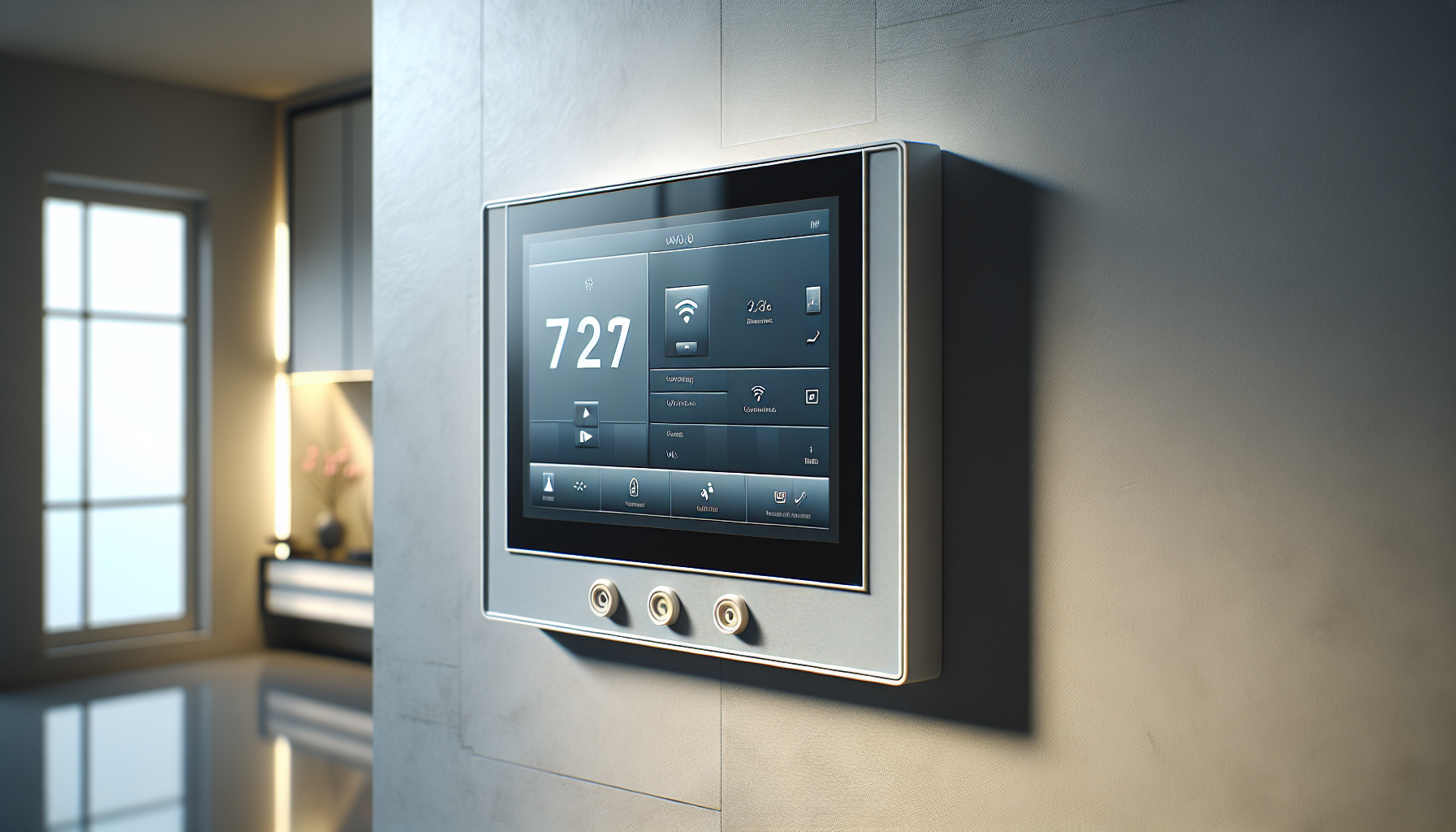
Are you considering the Resideo PROA7PLUSC ProSeries Plus 7″ All-in-One Touchscreen Control Panel, Wi‑Fi/Z‑Wave Plus Module (Included), Modular Design, Anti‑Takeover Capability, Dual Path Communications for your home or business security system?

Overview
You want a clear picture of what this panel offers and how it fits into your security setup. The Resideo PROA7PLUSC ProSeries Plus 7″ All-in-One Touchscreen Control Panel combines a large, intuitive display with modern connectivity options and modular expandability to support both security and smart home automation needs.
Design and Build
You’ll notice the panel’s clean lines and sizable touchscreen right away. The build quality feels solid, and the modular concept gives you the flexibility to add communication modules or expansion hardware as your needs change.
Touchscreen and User Interface
You interact with the system primarily through a bright 7-inch touchscreen that responds to swipes and taps. The user interface puts common functions up front, so arming, disarming, and checking system status is straightforward even for non-technical users.
Modular Design and Anti‑Takeover Capability
You get a modular chassis that allows you to install or upgrade communication modules without replacing the whole panel. Anti-takeover capability helps protect the panel against attempts to physically or logically seize control, which gives you better resilience against tampering.
Communications and Connectivity
You want a system that stays connected and keeps your monitoring service informed when needed. The PROA7PLUSC supports multiple communication paths so you can maintain connectivity even if one route fails.
Wi‑Fi and Dual‑Path Communications
You can use the built-in Wi‑Fi module for internet connectivity and cloud features, while dual-path communications (typically a combination of Wi‑Fi and cellular if you add or include a cellular communicator) provide redundancy. That dual-path approach reduces the chance of losing connectivity during an outage or if one path is compromised.
Z‑Wave Plus and Home Automation
You can use the included Z‑Wave Plus module to control lights, locks, thermostats, and other certified Z‑Wave devices directly from the panel. Z‑Wave Plus gives you improved range and battery life over older Z‑Wave revisions, making it more reliable for smart home automation.
Security Features
You care about robust protection and practical anti-tamper strategies. The panel supports standard alarm functionality while adding safeguards designed to prevent takeover or bypass attempts.
Alarm and Sensor Support
You’ll find support for multiple zones and common sensor types like door/window contacts, motion detectors, glass-break sensors, and smoke/CO detectors. Partitioning and multiple user codes let you customize access and notifications for different parts of a site or different users.
Anti‑Takeover and Tamper Protection
You benefit from anti-takeover features that limit how someone could attempt to manipulate the system to prevent alerts. Tamper switches and supervised sensors add another layer of defense against physical interference with the devices themselves.
Installation and Setup
You want an installation process that doesn’t require a full day of troubleshooting. The panel is designed so a competent DIYer or professional installer can complete physical mounting and wiring, while the modular slots make adding communications or automation modules straightforward.
Pre‑Installation Checklist
You should confirm location, power source, and required network access before mounting the panel to avoid surprises. Gathering compatible sensors, any cellular communicators, and your monitoring account credentials beforehand will streamline setup.
Step‑by‑Step Setup
You’ll mount the backplate, connect power and any wired sensors, and snap the touchscreen into place as a basic physical setup. After that, you’ll run the on-screen setup wizard to configure Wi‑Fi, enroll sensors, set up user codes, and enable optional services like cloud-based remote access or monitoring.
Mobile App and Remote Access
You expect to control and monitor the system from your phone when you’re away. The panel integrates with Resideo’s cloud-based service and mobile app to give you remote arm/disarm, push alerts, and device control from anywhere with internet.
Total Connect / App Functionality
You’ll be able to receive notifications, view event logs, arm and disarm remotely, and trigger automations through Resideo’s app ecosystem. Remote live video (if you add compatible cameras) and Z‑Wave device control are typically available through the mobile app as well.
User Accounts and Notifications
You can create multiple user accounts with different permission levels and notification preferences, which helps keep everyone informed without oversharing sensitive control capabilities. Notifications can be configured for events like alarm triggers, system arming, or device malfunctions.
Performance and Reliability
You want the panel to respond quickly and stay online even under stress. In normal use, the touchscreen is responsive and the panel handles sensor events and automations reliably, while communications redundancy improves uptime.
Responsiveness and Daily Use
You’ll find system navigation snappy and arming/disarming actions immediate, which reduces frustration during everyday use. Z‑Wave commands and local automations generally execute quickly when devices are within good signal range.
Connectivity Reliability
You can count on greater reliability when you set up more than one communication path, since the panel can failover between Wi‑Fi and cellular paths. Keep in mind that environmental factors and local network quality will still affect the real-world reliability of remote features.
Compatibility and Integrations
You want to know which devices and services will play well with your panel. The PROA7PLUSC supports a wide range of security sensors and Z‑Wave devices and typically integrates with Resideo’s cloud services for enhanced functionality.
Cameras and Video Integration
You can integrate supported IP cameras for live viewing and event-triggered clips through the cloud app when you pair compatible cameras. Video features may require add-on camera subscriptions or cloud storage plans, so you should check service terms before relying on video recording.
Third‑Party Integrations
You’ll be able to integrate many Z‑Wave devices and, depending on firmware and service support, certain voice assistants and home platforms. Verify specific device compatibility and firmware requirements before purchasing sensors or automation gadgets to avoid surprises.
Firmware, Updates and Maintenance
You want the system to receive ongoing security and feature updates to stay current. Resideo releases firmware updates that address bug fixes, security patches, and occasional feature additions, and the panel supports updating via the internet.
Updating Firmware and Security Patches
You should schedule or allow automatic firmware updates so your panel stays protected against known vulnerabilities and gains performance improvements. Monitor release notes and perform updates during low‑impact windows to avoid interrupting critical functions during an update process.
Routine Maintenance Tips
You’ll want to check sensor batteries, verify communication paths, and review event logs periodically to ensure the system is healthy. Performing routine tests and responding to any tamper or supervision alerts promptly will keep your system reliable over the long term.
Troubleshooting Common Issues
You want quick fixes to common problems so your system doesn’t remain offline for long. The most common issues involve connectivity, sensor enrollment, and Z‑Wave device pairing, and you can often resolve them with a few methodical steps.
Connectivity Problems
If you lose internet connectivity, check your Wi‑Fi router, confirm credentials, and look for ISP outages before assuming the panel is broken. For cellular fallback issues, verify SIM activation and signal strength, and re-seat any communications module if recommended by support.
Sensor and Z‑Wave Device Issues
If a sensor won’t enroll, ensure it has fresh batteries, is within range of the panel, and is in the correct enrollment mode. For Z‑Wave devices, perform a network heal or move the device closer during pairing, then relocate it and run a heal to integrate it into the mesh properly.
Comparison with Competitors
You want to understand how this panel stacks up against other popular security control panels. The PROA7PLUSC sits in a category with modern touchscreen panels that combine alarm control with smart home automation, so comparing features like UI, communication options, and ecosystem support helps you decide.
Resideo PROA7PLUSC vs Qolsys IQ Panel 4
You’ll notice both panels offer large touchscreens, built-in automation support, and cellular/Wi‑Fi communication options, but they differ in ecosystem and native integrations. The Qolsys platform often emphasizes local video integrations and different hardware expansion paths, while Resideo integrates tightly with Resideo cloud services and Z‑Wave Plus devices.
Resideo PROA7PLUSC vs Honeywell Lyric
You’ll find that the Lyric panels are older designs with strong sensor compatibility but less modern UI compared with newer 7-inch touch panels. The PROA7PLUSC gives you a larger, more modern touchscreen experience and updated automation support, while the Lyric may remain relevant if you already have a Lyric-based sensor network.
Pricing and Value
You want to understand both the upfront price and the recurring costs before committing. The initial cost of the panel can be higher than a basic keypad, but the included Z‑Wave module and dual-path capability add value when you consider overall system flexibility.
Upfront Cost and Module Options
You’ll pay more for a fully equipped panel that includes cellular backup in addition to Wi‑Fi, but modularity means you can add features gradually as budget allows. Compare prices of standalone systems, professional installation fees, and any optional communicators you might need to create a complete solution that fits your use case.
Long‑Term Costs and Monitoring
You’ll need to factor in monthly monitoring fees if you choose professional monitoring, plus any cloud storage subscriptions for video or advanced mobile features. If you prefer self-monitoring, you can reduce recurring costs but may sacrifice some features like central station dispatch and certain cloud backups.
Pros and Cons
You want a concise list that highlights the most important benefits and drawbacks. The PROA7PLUSC combines modern usability, modular flexibility, and automation support, but it also requires careful planning for communications and potential subscription services to unlock remote features.
-
Pros:
- You get a large, responsive 7″ touchscreen that makes daily use comfortable and intuitive.
- You can add or upgrade modules through the modular design, keeping the system adaptable as needs change.
- Dual-path communication options improve reliability and reduce the chance of losing connectivity.
- Z‑Wave Plus support gives you robust home automation options with many compatible devices.
- Anti‑takeover and tamper protections increase resilience against tampering attempts.
-
Cons:
- You may incur additional costs for cellular modules, professional installation, or cloud subscriptions.
- Some integrations and advanced features depend on firmware updates and cloud services that you must enable.
- If you already have a competing ecosystem, migrating devices or services can be time-consuming.
- Complex setups with many Z‑Wave devices require planning to ensure mesh reliability and correct routing.
Who Should Buy This Panel?
You want to know whether this panel fits your needs and lifestyle. The PROA7PLUSC is a strong choice if you want a modern touchscreen control center that supports both security and home automation with redundancy and professional monitoring options.
You’ll especially appreciate this system if you want local Z‑Wave control combined with cloud-based remote access, or if you plan to expand your system over time without replacing the main panel. If you prefer a completely subscription-free, minimal system, a simpler keypad-based panel might make more sense.
Final Verdict
You want a concise recommendation to help make a decision. The Resideo PROA7PLUSC ProSeries Plus 7″ All-in-One Touchscreen Control Panel provides a balanced mix of usability, modular expandability, and communication redundancy, making it a compelling option for homeowners and small businesses seeking a modern, flexible security platform.
You’ll gain a reliable control center with smart home integration and tamper-resistant features, though you should plan for potential ongoing costs for monitoring and cloud video storage if you require those services.
Technical Specification Breakdown
You may want an at-a-glance reference to the panel’s common technical specs for comparison shopping and planning. The table below summarizes typical specifications and considerations you should evaluate before purchase.
| Category | Typical Details | Why It Matters to You |
|---|---|---|
| Screen | 7″ capacitive touchscreen, color display | Easier to use and read, especially for family members and guests |
| Communications | Wi‑Fi built-in; Z‑Wave Plus module included; cellular optional via module | Multiple paths for reliability and smart device control |
| Zones | Supports multiple wired and wireless zones (varies by configuration) | Lets you protect many entry points and sensors around your property |
| Automation | Z‑Wave Plus for lights, locks, thermostats | Controls smart devices locally without relying solely on cloud |
| Anti‑Takeover | Anti-takeover logic and tamper reporting | Improves resilience against attempts to disable your system |
| Mobile App | Resideo mobile app (remote arm/disarm, notifications) | Control and monitor the system remotely from your phone |
| Integrations | Resideo cloud services, select third-party devices | Choose services and devices that meet your needs and preferences |
| Power | AC with battery backup (backup capacity varies) | Keeps panel online during short power outages; check battery specs |
| Installation | Surface mount with backplate; modular add-ons | Easier upgrades and modular expansions over time |
| Firmware | Remote updates supported | Essential for security patches and feature improvements |
You should check the specific model/data sheet and your dealer’s documentation for exact zone capacity and battery backup duration, since these can vary with configuration and firmware.
Installation Checklist and Quick Tips
You want to streamline installation and avoid common pitfalls. The following checklist and tips help you prepare, whether you self-install or use a pro.
- Location: Choose a central location with easy access to a router and good cellular signal where applicable. You’ll want the panel to be accessible but not obvious from the front door to reduce tampering risk.
- Power: Confirm a reliable AC outlet and plan for battery backup testing after installation. You’ll also want to label circuits if you have a professional installer.
- Sensors: Verify the compatibility of wireless sensors and the number of wired zones you plan to use. You’ll want fresh batteries for every wireless sensor during enrollment.
- Network: Have your Wi‑Fi SSID and password ready, and consider a dedicated IoT network for home automation devices to isolate them from critical personal devices.
- Documentation: Keep user manuals, your account credentials, and any central station monitoring details in a safe place. This helps with future firmware updates and technical support.
You’ll find that planning these steps ahead of time reduces frustration and speeds up the setup process substantially.
Common Accessories and Add‑Ons
You want to know which accessories will enhance functionality and reliability. These add-ons can improve connectivity, expand zone capacity, or add features like professional-grade monitoring.
- Cellular communicator modules for LTE backup and dual-path monitoring. You’ll get more reliable central station communication when you add cellular backup.
- Additional wireless sensors (door/window contacts, motion sensors, smoke/CO detectors) to expand coverage. You should deploy sensors at key entry points and high-risk areas such as kitchens and garages.
- Resideo-compatible cameras for doorbell, indoor, and outdoor monitoring with cloud or local storage options. Camera subscriptions may be required for cloud recording.
- Battery replacement packs and recommended batteries to maintain backup capability over time. You’ll want to test the battery annually and replace as recommended.
You should consult your installer or dealer for recommended accessory part numbers and compatibility before purchasing.
Troubleshooting Flowchart (Quick)
You want a fast mental checklist to resolve common issues before calling support. Follow these steps to isolate problems quickly.
- If the panel is offline: check Wi‑Fi router, confirm panel Wi‑Fi settings, verify ISP status, and test cellular communicator if installed. Reboot the router and panel if necessary to re-establish connectivity.
- If a sensor won’t report: confirm battery level, ensure correct enrollment mode, and check for physical obstructions or excessive distance. Re-enroll the sensor and test in the desired location before mounting permanently.
- If Z‑Wave devices are sluggish: run a Z‑Wave network heal, move devices closer during pairing, and avoid placing devices near large metal objects that block signals. Consider adding a Z‑Wave repeater or strategically relocating mains-powered devices.
You’ll save time by following this methodical approach, and you’ll often avoid unnecessary support calls.

Frequently Asked Questions
You want clear answers to the most common questions in plain language. The FAQs below address typical buyer and user concerns.
Is the Resideo PROA7PLUSC compatible with professional monitoring?
Yes, the panel supports professional monitoring through Resideo partner services and compatible central stations. You’ll need to set up an account and choose a monitoring plan to enable dispatch and central station features.
Can you self-monitor without a subscription?
Yes, you can self-monitor the system locally without subscribing to a monitoring plan, but you’ll lose central station dispatch and some cloud features. You’ll still be able to use local automation and most panel functions, but remote notifications and video cloud storage may be limited or unavailable.
Does the panel support voice assistants?
Support for voice assistants depends on Resideo’s current integrations and cloud services, which evolve over time. You should check the latest Resideo documentation and the mobile app release notes to confirm available voice assistant connections and setup steps.
How many Z‑Wave devices can you add?
The maximum number of Z‑Wave devices depends on firmware and network complexity, but you should plan for dozens of devices while accounting for network health and controller limitations. If you plan a large automation network, discuss limits and best practices with your installer or dealer.
What happens during a power outage?
The panel runs on AC power with a battery backup that provides limited runtime during outages, depending on the battery capacity and system load. You should test battery runtime and replace the battery as recommended to ensure expected backup performance.
Do you need a professional installer?
You can choose either a professional installer or a competent DIY approach, depending on your comfort with wiring and security system configuration. Professional installation can simplify integration with monitoring services and ensure optimal sensor placement, whereas DIY may reduce upfront costs.
You’ll find that most questions about daily operation and setup are well supported by the manual and dealer resources, but always confirm specifics for your exact configuration.
Closing Notes
You want a control panel that balances modern features, reliability, and expandability. The Resideo PROA7PLUSC ProSeries Plus 7″ All-in-One Touchscreen Control Panel gives you a modern touchscreen experience, Z‑Wave Plus automation, and modular communication options that adapt as your needs grow.
You should weigh the potential subscription costs and plan for proper sensor and network placement to get the best long-term performance from the system. With thoughtful setup and periodic maintenance, this panel can serve as a capable hub for both security and smart home automation for years to come.

Disclosure: As an Amazon Associate, I earn from qualifying purchases.