
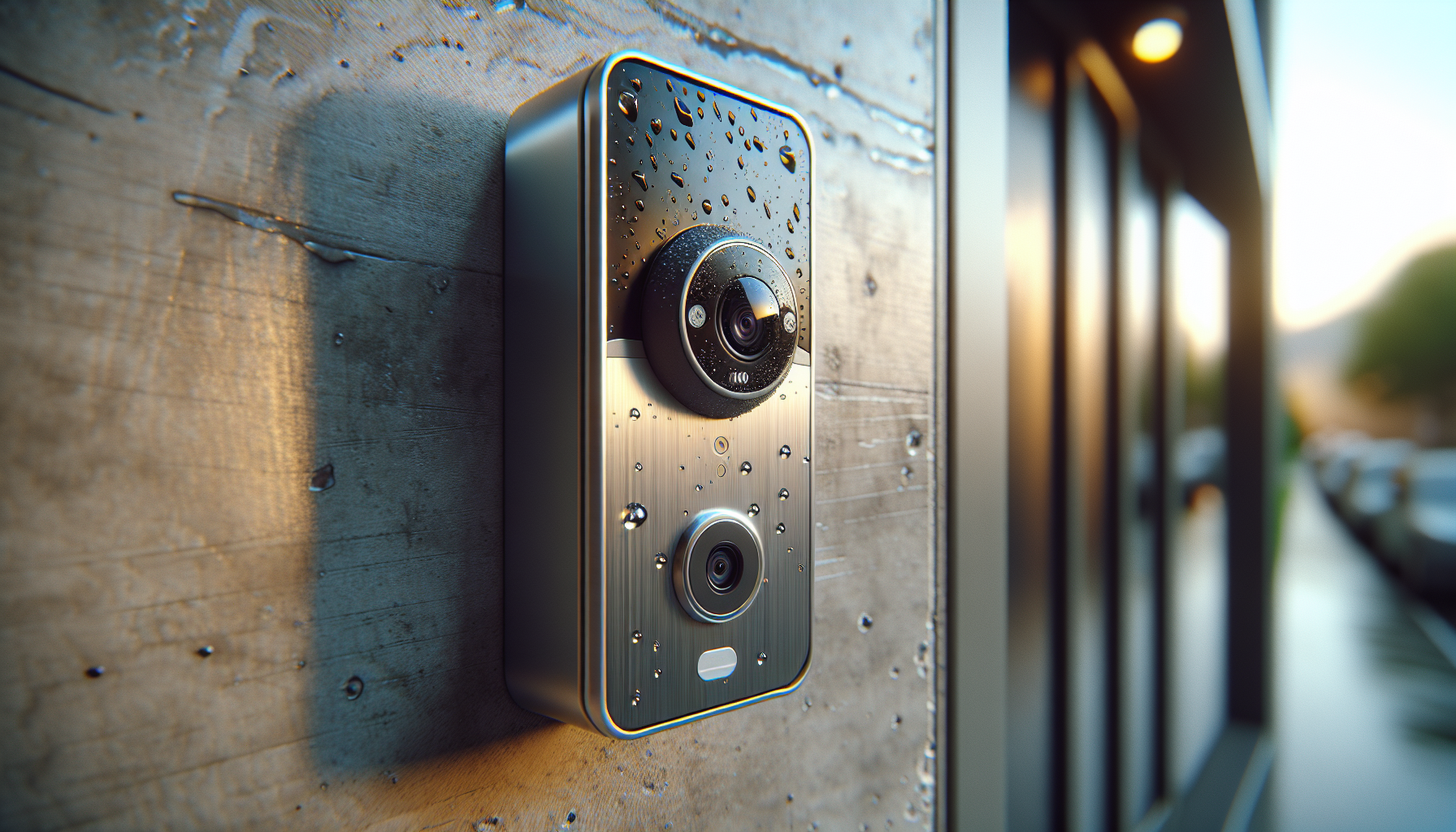
?Are you wondering if the Wired Video Doorbell Apartment Intercom with a 7-inch touch screen monitor and TuyaSmart integration is the right fit for your home or property?
Buy The Wired Video Doorbell Apartment Intercom On Amazon
Product Overview
You’re looking at a wired IP video doorbell kit designed for multi-unit setups like apartments, villas, and smaller commercial spaces. It includes two outdoor doorbell cameras, four 7-inch touch-screen indoor monitors, a 32GB microSD card, and five RFID ID cards for 3-in-1 unlocking options.
What the Product Promises
This system aims to give you reliable wired video intercom functionality with remote access through the TuyaSmart app. You get full HD 1080P video, IR night vision, motion-triggered recording, and multiple unlock methods (RFID, touchscreen unlock, and app-based remote unlock).
Who This Is For
If you want a stable wired connection between door stations and indoor monitors while still enjoying smartphone access and cloud-assisted features, this product is built for you. It’s a good match when Wi‑Fi-only solutions feel too flaky or when you prefer local recording to cloud-only options.
Wired Video Doorbell Apartment Intercom,7 inch Touch Screen Monitor(W),1080P Door Bell Camera(W),TUYA Smart Home Door Phone Kits,3 in 1 Unlock RFID Card for Home Villa,32G (2 doorbell+4 Monitor)
Key Specifications
Below is a concise breakdown of the main technical specs so you can quickly understand what you’re getting and how it will fit into your setup.
| Feature | Specification | Notes |
|---|---|---|
| System Type | Wired IP video door phone intercom | Monitors support Wi‑Fi for app connectivity; doorbells must be wired to monitors |
| Monitors | 4 x 7-inch TFT touch-screen monitors (W) | Hands-free intercom, touch unlock |
| Doorbell Cameras | 2 x 1080P HD doorbell cameras (W) | 160° wide-angle, built-in rain cover |
| Motion Detection | Yes | Auto snapshot or video recording when triggered |
| Night Vision | IR night vision with built-in infrared sensor | Effective for low-light environments |
| Storage | Includes 32GB microSD (monitor slot) | Motion and event recording saved locally |
| Unlock Methods | RFID card, touch monitor, TuyaSmart App | 5 RFID cards included |
| Viewing Channels | Monitor, smartphone (TuyaSmart), computer (Tuya account) | Computer access via Tuya web/app login |
| Wiring | RVV4 cable between doorbell and monitor | Indoor monitors can connect to Wi‑Fi for app features but still require wired connection to doorbells |
| Weather & Build | Rainproof, dustproof, anti-vandal features | Suitable for external mounting with some protection |
Included Items and Packaging
You’ll receive two wired doorbell cameras and four indoor touch-screen monitors, plus the accessories needed to start basic installation. The kit includes a preinstalled 32GB microSD card and five RFID cards so you can test the 3-in-1 unlock function right away.
Accessories and Spare Parts
The package typically contains mounting plates, screws, power adapters (or power module), wiring terminals, and user manuals. You should verify the content list in the box against the seller’s listing to confirm any regional variations.
3-in-1 Unlock and Automatic Recording
You can unlock the door using an RFID card, by tapping the monitor screen, or remotely via the TuyaSmart app. The inclusion of five ID cards makes it convenient for family members or trusted guests to enter without you being present.
How Recording Works
When motion is detected or the doorbell is pressed, the camera auto-saves snapshots or video clips to the microSD card in the monitor. Since a 32GB card is included, you have local storage for event clips, and you can review footage later via the monitor or smartphone.
Video Quality and Camera Performance
The doorbell cameras offer 1080P Full HD resolution with a 160° wide-angle lens, giving you a broad field of view that catches visitors and packages on the ground. The built-in rain cover and anti-vandal casing help keep the lens usable under outdoor conditions.
Night Vision and Low-light Behavior
Infrared night vision provides usable black-and-white images in low-light or dark conditions. While IR images are not color, they are sufficient for identifying faces and packages at night within the camera’s effective range.
Audio, Intercom, and Two-way Communication
The system supports two-way audio with built-in microphone and speaker on the outdoor units, and hands-free intercom through the monitors. You can speak with visitors directly from the touchscreen monitor or use the TuyaSmart app to answer the door when you’re away.
Clarity and Latency
Audio clarity tends to be adequate for short conversations and confirming delivery instructions. You may notice small latency when communicating through the app depending on your network speed, but the wired link between the monitor and doorbell minimizes local audio issues.
Monitor Features and User Interface
Each 7-inch TFT touch-screen monitor provides a slim, modern interface for answering calls, viewing live feeds, unlocking doors, and playing back recorded clips. Touch interactions are generally responsive, and the UI is designed for daily use without steep learning curves.
Multi-Monitor Functionality
With four monitors included, you can place screens in different rooms so multiple family members can answer or unlock the door independently. Intercom calls and shared events are typically synchronized across monitors.
TuyaSmart App Integration
You’ll use TuyaSmart to receive doorbell calls to your smartphone, view live video remotely, and unlock the door when you’re away. The app lets you pull up recordings stored on the microSD (or cloud if configured) and adjust notification settings.
Viewing on Computer
To view the camera on your computer, log in to the same Tuya account that’s paired with the doorbell. This gives you another viewing channel beyond the monitors and mobile app, useful for remote monitoring from a desktop.
Connectivity and Wiring Requirements
Although the indoor monitor connects to Wi‑Fi to communicate with the Tuya app, the doorbell units require a wired connection to the indoor monitors using RVV4 cable. That wiring ensures stable, low-latency transmission for video and audio.
What Wired Means for You
You should plan cable runs during installation; the system is not “wireless” between the outdoor camera and indoor monitors. The benefit is increased stability and reliability compared with fully wireless camera doorbells, especially in congested Wi‑Fi environments.
Installation Guide — What to Expect
You’ll need some basic tools (drill, screwdriver, cable stripper) and a willingness to run cable between the doorbell and at least one monitor. If you’re not comfortable with wiring, hiring a professional installer is a smart choice to ensure safe, code-compliant wiring.
Step-by-step Installation Overview
- Choose mounting locations for doorbells and monitors.
- Run RVV4 cable from each doorbell to the corresponding monitor location.
- Mount doorbells and fix wiring to terminal blocks according to the manual.
- Install monitors, connect power and the wired doorbell connections, then power on.
- Configure the TuyaSmart app and pair monitors and cameras to your account.
You should test audio, video, unlocking, and motion detection after installation. Tighten camera angles to eliminate blind spots and ensure the doorbell button is easily reachable.
Setting Up the TuyaSmart App
Download TuyaSmart (or Tuya Home) from your device’s app store and create an account. Add the device by following the in-app prompts—usually a device scan, QR code, or network pairing flow depending on firmware.
Tips for Smooth Pairing
Make sure your smartphone is on the same Wi‑Fi network during initial pairing. Keep the monitors powered on and close to your router if they need to join Wi‑Fi for app notifications. If you hit pairing issues, a factory reset on the monitor or doorbell (following the manual) often resolves the problem.
Daily Use and Typical Scenarios
You can answer visitors from any monitor, speak through the outdoor camera, and unlock the door with an RFID card or via the monitor or TuyaSmart app. Delivery drivers, guests, and service personnel can be verified easily without going to the door.
Using the System When Away
If you’re out, the system sends a call to your phone when the doorbell rings. You’ll see the live video and can speak, unlock, or ask the carrier to leave the package—all from the TuyaSmart app, provided your phone has internet access.
Storage, Recording and Playback
Motion-triggered events and doorbell presses are recorded to the included 32GB microSD card in the monitor. You can review these clips via the monitor playback interface or through TuyaSmart’s playback features.
Managing Storage
32GB provides a limited buffer of event recordings depending on recording quality and event frequency. For heavy use, you may want to upgrade to a larger capacity microSD card (check support limits in the manual) or enable cloud backup if offered and required for longer retention.
Performance in Real-world Conditions
In bright daylight and typical urban lighting, the 1080P sensor and 160° lens capture visitors with clear facial detail and a broad scene view. Rainproof and dustproof construction reduces downtime from weather, although you should place the camera under a covered spot for the longest life.
Potential Limitations
You might notice some compression artifacts over poor internet connections when viewing remotely, and wide-angle lenses can slightly distort faces at the edges. As with most IP systems, placement and angle matter a lot for optimal identification and package detection.
Security and Privacy Considerations
You have local recording to the microSD card, which helps keep footage under your direct control. Remote access via TuyaSmart uses your Tuya account credentials, so you should use a strong password and enable any available account protections.
Best Practices You Should Follow
Change default passwords, restrict sharing of your Tuya account, and periodically update firmware if the vendor provides updates. If you prefer keeping footage entirely local, make sure cloud backup is disabled or that you understand cloud retention policies.
Pros and Cons
You’ll get a stable wired connection, multiple indoor monitors, and a flexible unlocking system, which together create a robust daily experience. However, you should expect to run cable and plan for occasional app-related connectivity nuances tied to Tuya’s cloud services.
Quick List for Decision-making
- Pros: Stable wired link, 3-in-1 unlocking, included microSD and RFID cards, four monitors for multi-room use.
- Cons: Requires cable runs (RVV4) which can complicate DIY installs, potential for app/cloud latency, limited included storage capacity for heavy recording needs.
Troubleshooting Common Issues
If you don’t receive app notifications, check that your monitor is connected to Wi‑Fi and that the TuyaSmart app has notification permissions. If live video doesn’t load, verify wired connections between doorbell and monitor, and check your internet connection speed.
Fixes for Frequent Problems
- No audio: Confirm microphone/speaker terminals are properly connected and volume in the monitor is set correctly.
- SD card not recognized: Reformat the card in the monitor or replace it with a known-good card compatible with the device.
- Remote unlock fails: Verify the monitor has internet access and that your Tuya account is still linked; check firmware for updates.
Compatibility and Use Cases
This kit suits apartment owners, small villas, guest houses, small offices, or properties where you want multiple indoor monitors. If you have many entry points or want wireless-only devices, consider other products tailored specifically for wireless convenience.
How It Fits into Smart Home Setups
TuyaSmart integrates with many smart home ecosystems via Tuya’s cloud, allowing you to pair this door phone with routines or other smart devices in a Tuya-supported setup. You can include it in automation scenarios, like turning on hallway lights when the doorbell rings.
Recommended Accessories and Upgrades
Consider purchasing higher-capacity microSD cards for longer retention, protective junction boxes to shield wiring, and longer or better-quality RVV4 cable for future-proofed installations. If you want cloud backup, confirm Tuya or the vendor offers an optional plan.
When to Get Professional Help
If you’re unsure about making cable runs through walls, ceilings, or multiple floors, hire a licensed electrician or installer. Professional installation reduces the chance of wiring mistakes and speeds up the process for multi-monitor configurations.
Comparison with Other Doorbell Types
Compared with wireless battery-powered doorbells, this wired kit offers greater stability, continuous power, and often better local recording options. Wireless models can be easier to install but may suffer from network interference or battery replacements.
How to Choose Based on Your Priorities
Pick this wired option if you prioritize reliability, multi-monitor setups, and local recording. Choose a wireless solution if ease of installation without cables is your top priority and you can accept periodic battery maintenance.
Firmware and Updates
Keep an eye on firmware updates via the TuyaSmart app or vendor instructions. Updates can improve compatibility, add features, and patch security issues. You should perform updates during low-usage hours and back up any important settings as necessary.
What to Do if Update Fails
If a firmware update fails, reboot the monitor and try again. If the device becomes unresponsive, follow the factory reset procedure in the manual or contact vendor support for recovery steps.
Check Price For Wired Video Doorbell Apartment Intercom
FAQs You Might Have
- Can you use the monitors without Wi‑Fi? Yes, monitors will function for local intercom and unlocking when wired to the doorbells, but remote features require Wi‑Fi and TuyaSmart.
- Is the system expandable? Many wired systems allow adding more monitors/cameras but check vendor limits and wiring constraints.
- Does it support multiple users? TuyaSmart supports multiple user accounts and device sharing, so family members can get push notifications and remote access.
Final Verdict
If you want a dependable wired video intercom with multiple indoor monitors, local recording, and TuyaSmart remote access, this kit offers a solid balance of functionality and value. You should be prepared for the wiring requirements, and you’ll benefit from careful placement, secure account setup, and possible storage upgrades to meet heavier recording needs.
Who Should Buy It
You should choose this product if you value stable wired performance, multi-monitor convenience, and the flexibility of 3-in-1 unlocking combined with smartphone remote access. If minimal installation work is your priority, consider an alternative wireless model instead.
If you want, I can help you plan the installation steps specifically for your apartment layout, estimate cable lengths and materials, or walk you through pairing the monitors to the TuyaSmart app step by step.
Purchase Wired Video Doorbell Apartment Intercom
Disclosure: As an Amazon Associate, I earn from qualifying purchases.